Brokers
Robinhood
Connect a Robinhood stocks and options account: what it trades, how to sign in through the app, and how to fix common connection problems.
Robinhood is a full trading broker in TradeLabs. It trades stocks and single-leg options directly, works as an RSA fan-out target, and can run in a copy-trading strategy. This page covers the stock and options login. Robinhood Crypto is a separate account with its own keys.
| What it trades | Supported |
|---|---|
| Stocks | Yes |
| Options (single-leg) | Yes |
| Spreads (multi-leg verticals) | Yes |
| RSA (reverse split arbitrage) | Yes |
| Crypto, memecoins | No (use Robinhood Crypto, Solana or Robinhood Chain) |
Your existing Robinhood login works here. You do not need a separate developer key or a re-setup for stock and options trading. You can add more than one Robinhood login and trades fan out across all of them.
Before you start
- An active Robinhood account with your email or username and password.
- Your phone, for approving the sign-in or typing the code Robinhood sends.
- Optional: an authenticator setup key. If you turn on app-based two-factor in Robinhood’s security settings, you can paste the setup key into TradeLabs and the bot fills the six-digit code for you at every sign-in, so you are never interrupted.
- The TradeLabs Companion installed and running.
Connect it in the app
-
Open the Brokers page, find the Robinhood card, and click Add account.
-
Fill in the connect form:
- Email or username — your Robinhood login.
- Password.
- Authenticator setup key — optional. Paste the setup key from your authenticator app and the bot enters your 2FA codes for you. Leave it blank to approve or type a code by hand at each sign-in.
-
Click Save account. Your credentials are encrypted on your device.
-
Click Sign in on the account row.
-
If Robinhood asks you to verify, an Enter verification code prompt appears. Type the code Robinhood texts you and click Submit. If Robinhood sends a device-approval push instead, approve it in the Robinhood app on your phone, then submit to continue. If you set an authenticator setup key, the code is filled for you and you skip this step.
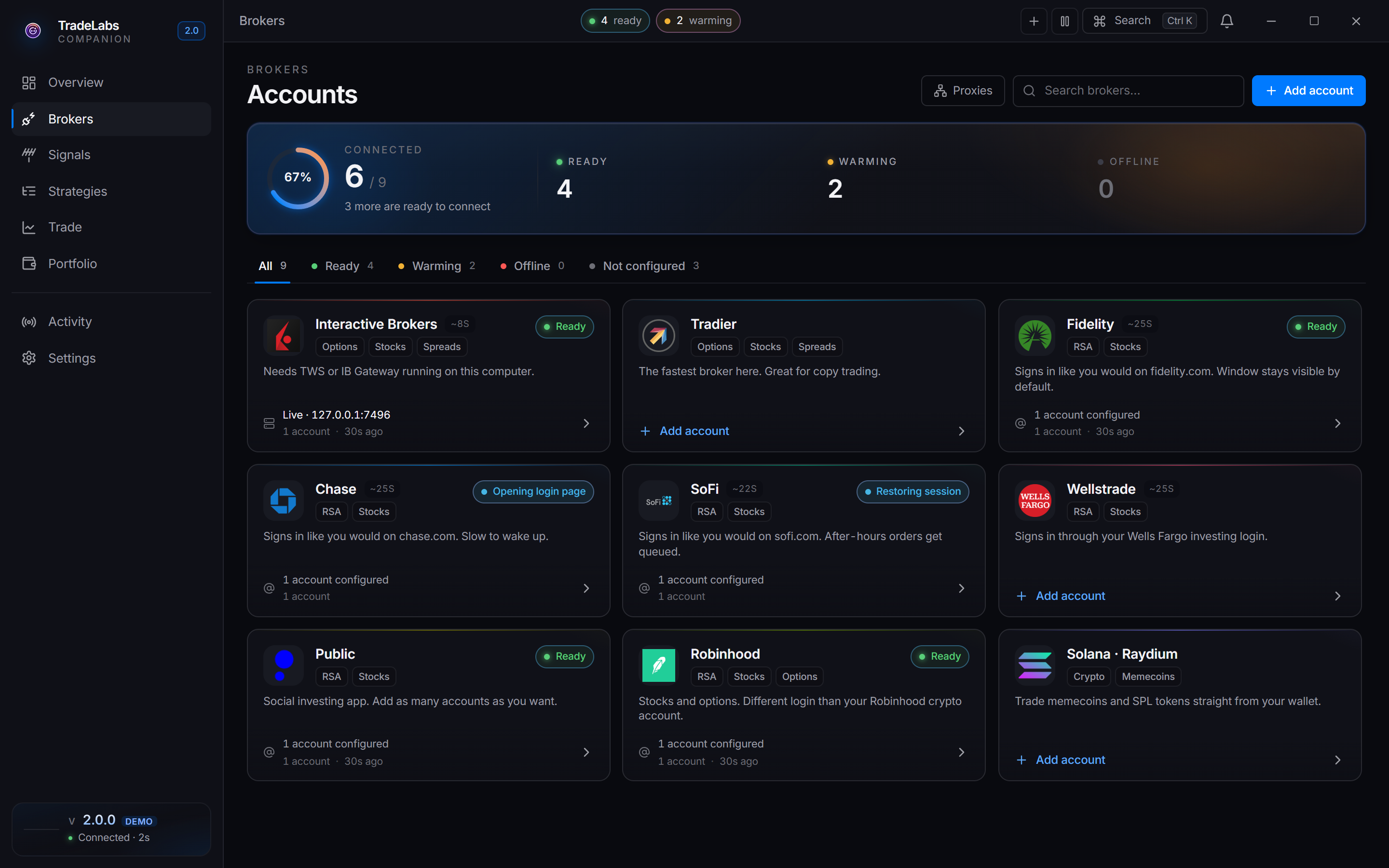
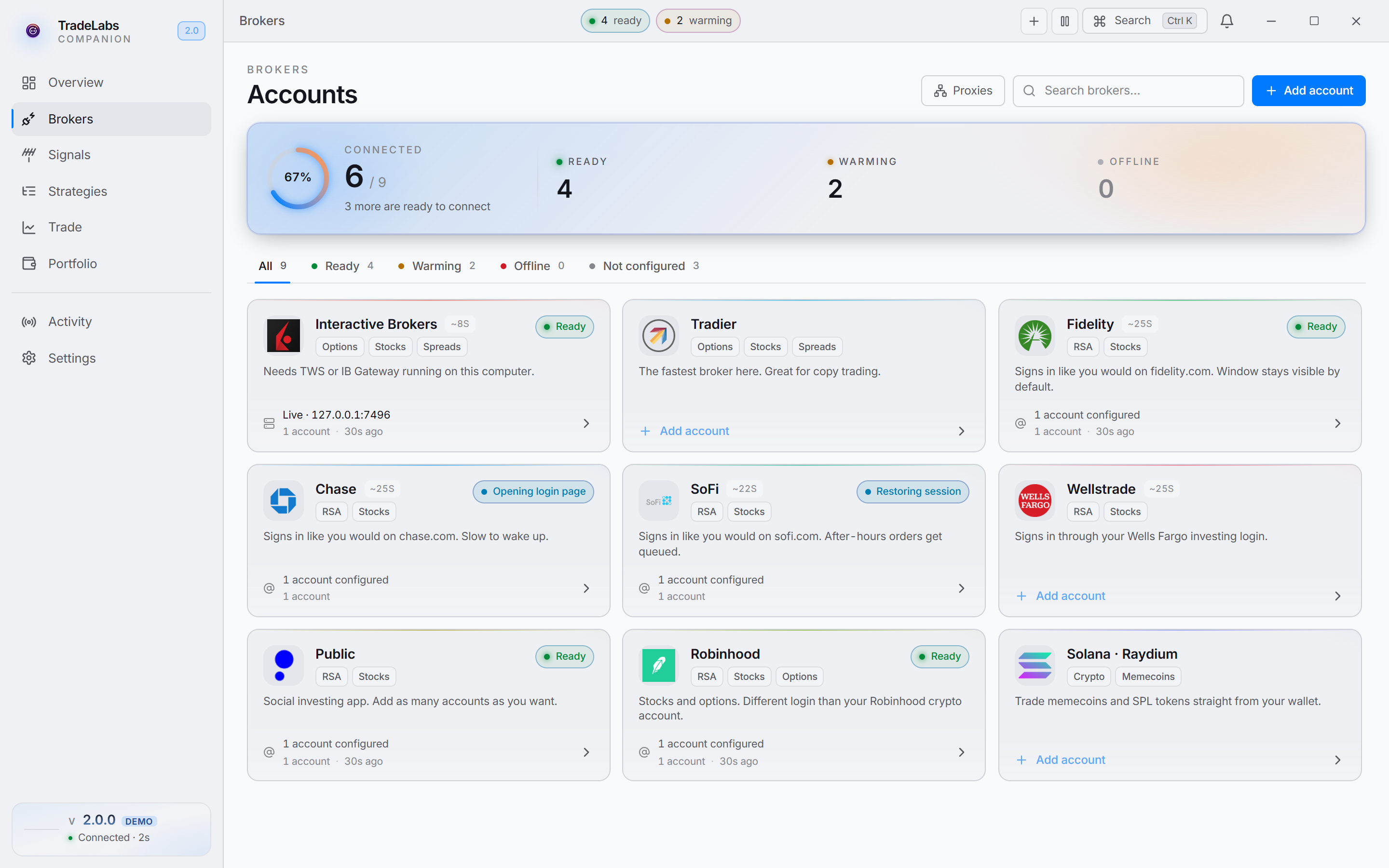 Click a broker card, then Add account, to open the connect form
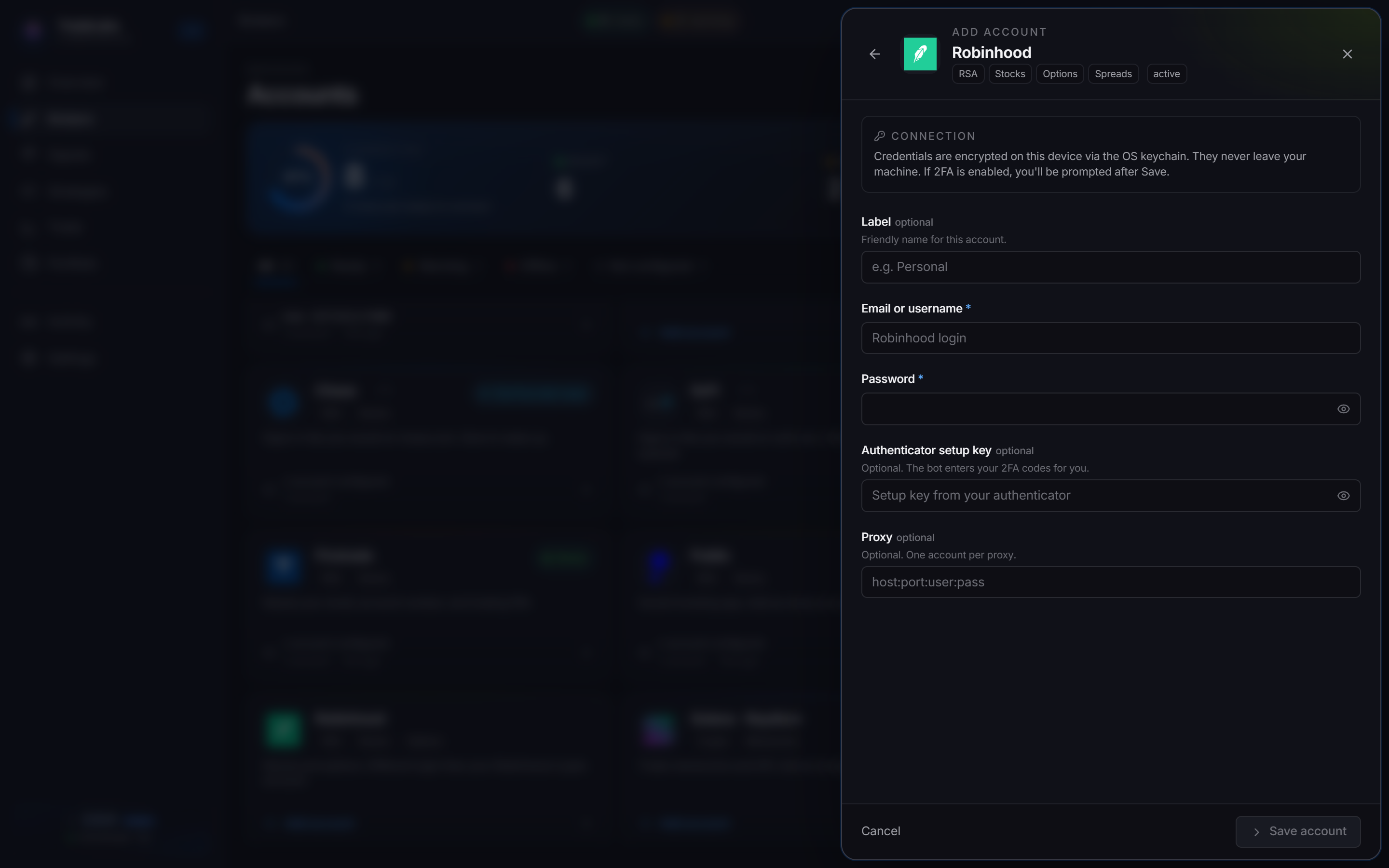
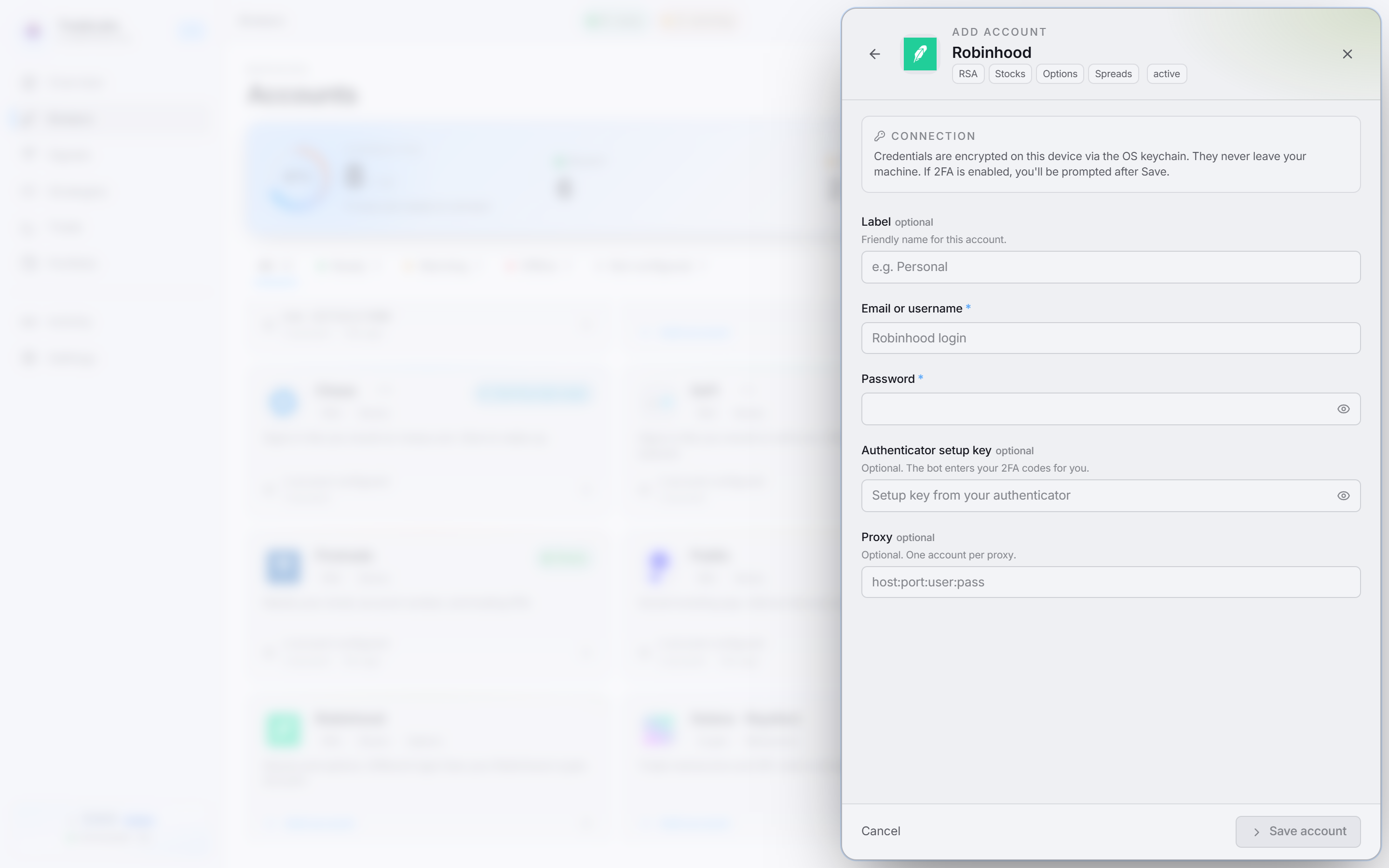 Enter your email or username, password, and your authenticator setup key so the app can generate 2FA codes
When sign-in succeeds you see a Robinhood signed in confirmation and the row switches to a signed-in state.
Once signed in, the row shows Active or Idle. Idle means the login is valid but has not been re-verified in the last minute. That is normal, especially overnight, and is not the same as Offline.
Order types
Stocks get the usual Market or Limit choice. Options and spreads do not: Robinhood’s API only exposes limit orders for contracts, which is why every option order shows as “Limit” in their own app.
The editor hides the Market choice on a Robinhood options or spreads strategy and prices the limit at the ask — the marketable limit a market order stands in for.
A Bid / Mid / Ask price side and, on Discord and Telegram, a From alert side are available on both entry and exit.
Robinhood has no pre- or post-market order type TradeLabs can drive, so there is no extended-hours toggle on a Robinhood strategy.
Stop loss, take profit, and trailing
Robinhood has no reliable native bracket order, so TradeLabs watches the price for you. After your entry fills, the app tracks the live price and sends a closing order the moment your stop, target, or trailing level is hit. The app has to be running for these exits to fire.
Trailing stops ratchet on the high-water mark. A trim sells a percentage of the original position size, so two 50% trims leave nothing behind.
Fixing common problems
- Sign-in fails or asks to verify every time: confirm your email or username and password. If Robinhood keeps prompting, set an authenticator setup key so the bot can supply the code without a prompt.
- No verification code arrives: check that your phone has signal for SMS, or open the Robinhood app and look for a device-approval push to approve.
- Account is locked: Robinhood locks accounts after repeated failed sign-ins. Open the Robinhood app to unlock it, then edit the credentials from the row’s ⋯ menu and sign in again.
- A market stock order outside market hours is slow: an order placed when the market is closed cannot price or fill, so it may retry for up to about 40 seconds. Trading during regular hours avoids this.
- Wrong Robinhood account connected: the stocks login and the crypto keys are different accounts. If you meant to trade crypto, add the Robinhood Crypto card instead.
Using it with RSA
Robinhood works as a fractional copy-trade target in an RSA strategy. Once it is signed in, add it to an RSA strategy and make sure the strategy is active. See the RSA+ setup guide. Per-account share limits live on the broker limits page.