RSA+
Serverside and RSA strategies
How the TradeLabs Reverse Split Arbitrage scanner streams alerts to the app, and how to build an RSA strategy that fans one signal out to every broker at once.
TradeLabs runs its own Reverse Split Arbitrage scanner and streams the buy and sell alerts straight to the desktop app. No Discord channel to watch, no Telegram group, no AI keys to paste. You connect brokers, point an RSA strategy at the Serverside feed, and each alert fans out to every broker you checked.
An RSA strategy takes its signal one of two ways: the Serverside feed (the scanner, and the default) or a Discord channel that posts RSA calls. Both drive the same fan-out. This page covers both.
RSA and the Serverside feed only appear in the RSA+ build. The copy-trading build hides the RSA instrument and its brokers.
How the Serverside feed works
-
The feed streams alerts. The app connects to the TradeLabs alert bus over WebSocket, authenticated with your license.
-
Alerts arrive already parsed. Each carries the ticker, side, quantity and price. There is no chat message to read and no AI step.
-
Matching strategies pick it up. Every running strategy subscribed to Serverside receives the alert.
-
Your brokers execute. The order fans out to every broker checked on the strategy’s Brokers tab, all at once.
-
Sell alerts close positions. Turn on Process sell signals and the feed’s close alerts exit the position.
The connection pings every 30 seconds and reconnects on its own with exponential backoff. A 10-minute window collapses repeat alerts, matched on ticker, side, price and broker filter, so a re-broadcast never fires twice.
There is nothing to connect
Serverside is the one source you never set up. It has no credentials, and it is not a card on the Signals hub beside Discord, TradingView and Telegram. Those three you sign in to yourself.
The feed follows your strategies instead. The moment an enabled strategy uses Serverside, the app opens the connection. Turn every serverside strategy off and it closes again.
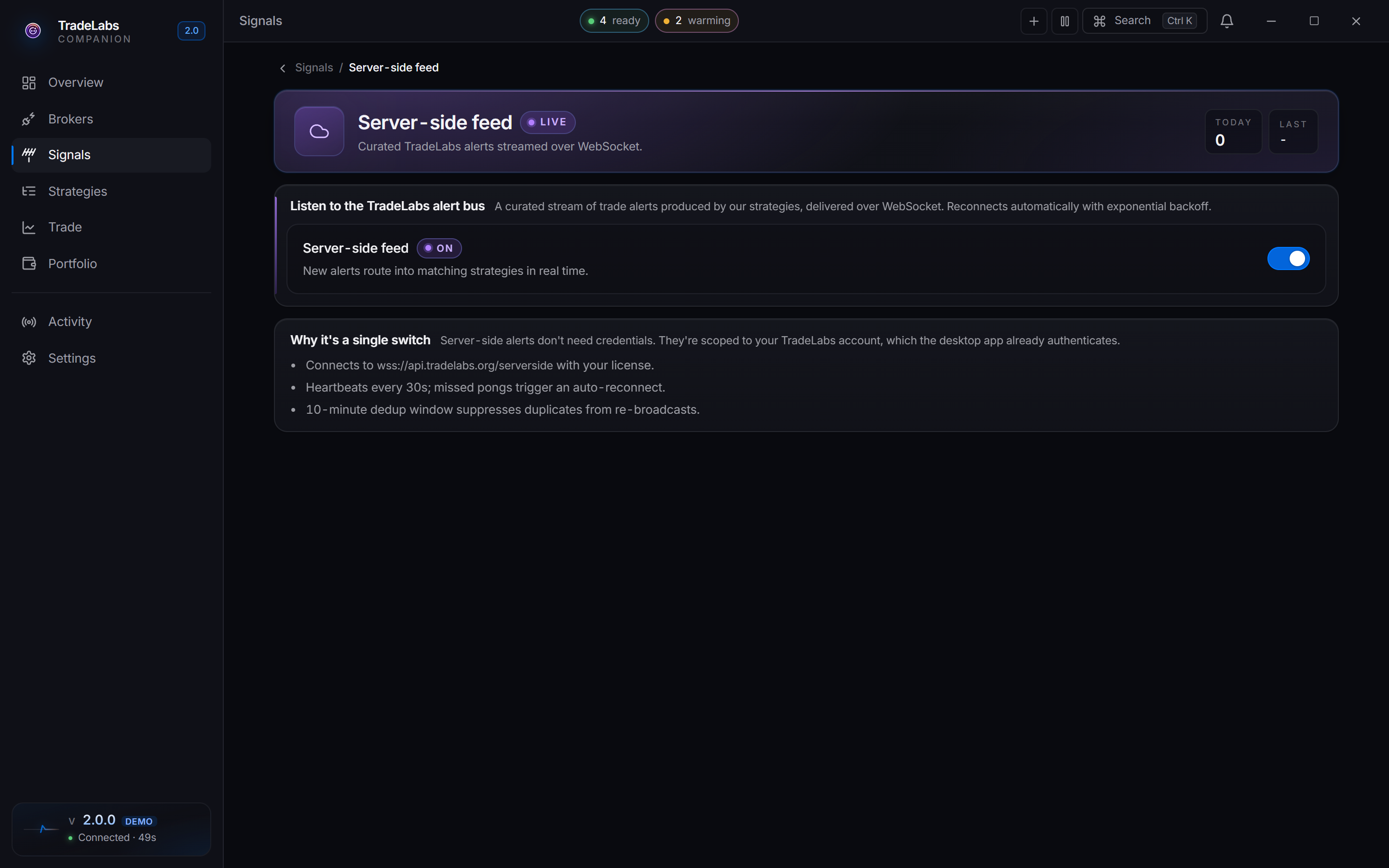
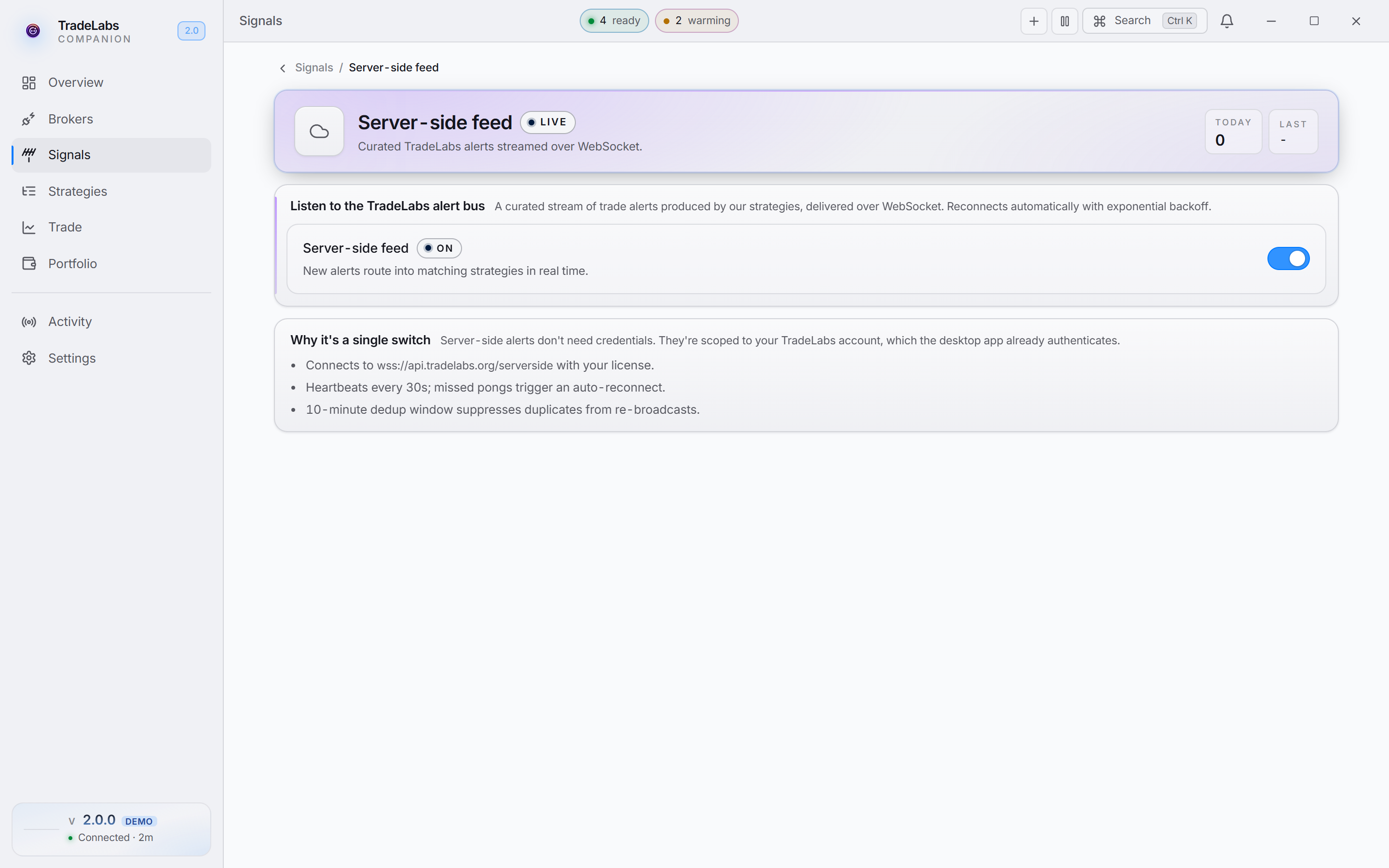 The Server-side feed page is a single switch, an override that forces the connection open with no strategy running. You will not normally need it.
Older guidance said to switch the Server-side feed on before an RSA strategy would trade. You do not. That was a v2 regression, since fixed.
Setting up an RSA strategy
The fastest start is the built-in template.
-
Open the Strategies page.
-
Click Templates in the header, or Browse templates on an empty list.
-
Pick Reverse split arbitrage. It creates the strategy and opens the editor.
-
Check your brokers on the Brokers tab.
-
Set it to Running with the header toggle. Edits save automatically.
The template pins the source to Serverside, sizes at one share per broker, and pre-checks a broad set of RSA brokers. Uncheck the ones you have not connected.
-
Click New strategy on the Strategies page.
-
Set Instrument to RSA on the General tab. This locks Direction to Both, Entry and Exit to Market, and Time in force to Day.
-
Leave the source on Serverside. The Source field shows two chips for RSA, Serverside and Discord.
-
Check your brokers on the Brokers tab.
-
Set the RSA controls on the Protections tab: turn on Process sell signals, and set Minimum profit if you want one.
-
Set it to Running with the header toggle.
Eligible brokers
RSA supports more brokers than any other instrument, because fanning out across many accounts is the whole strategy. Twelve qualify:
Fennel, BBAE, Public, SoFi, DSPAC, Fidelity, WellsTrade, Robinhood (stocks), Chase, Firstrade, Webull, and Schwab.
A broker only becomes selectable once you have added an account for it.
Maximum coverage: check every broker you have connected, so one alert hits all of them at once. Per-broker account limits are on RSA Broker Limits and Signup.
The RSA controls
Two settings drive RSA behavior, both on the Protections tab.
Process sell signals
| State | Behavior |
|---|---|
| On | The feed’s close, STC and sell-to-close alerts exit positions automatically. |
| Off | Entries only. You close positions yourself. |
Minimum profit
A dollar filter on buys. Each serverside buy alert carries the price the share is expected to sell at after the split. TradeLabs subtracts the buy price to get the expected profit per share, and skips the buy if that profit is below your minimum. Sell alerts are never skipped.
| Setting | Behavior |
|---|---|
| Empty | Every buy alert is taken. |
| $1 | A share bought at $0.90 that is expected to sell at $1.80 has $0.90 of profit, so the buy is skipped. A share bought at $0.90 expected to sell at $2.50 ($1.60 profit) goes through. |
If an alert does not include an expected sell price, the check is skipped and the buy goes through.
Sizing
RSA sizing has one control on the Sizing tab, Per-broker size.
| Option | Behavior |
|---|---|
| Fixed · 1 share | Buys one share per broker per signal. |
| Follow signal | Uses whatever quantity the feed sends, common for fractional-friendly brokers. |
For most setups, Fixed · 1 share is all you need.
What RSA locks
Picking RSA locks several fields and hides whole tabs, because the strategy dictates them.
| Setting | Locked or hidden |
|---|---|
| Direction | Locked to Both |
| Entry and Exit | Locked to Market |
| Time in force | Locked to Day |
| Size | Fixed at 1, unless you switch to Follow signal |
| Risk & exits tab | Hidden. No stop loss, take profit or trailing stop |
| Filters tab | Hidden |
| AI tab | Hidden on Serverside. On Discord it appears, trimmed to AI selling and Memory |
Ticker stays editable and defaults to ALL, since the feed picks the ticker.
RSA does not use per-strategy stops or targets. The thesis is the reverse-split round-up, not price movement, so the editor does not surface those controls.
Multi-broker execution
One serverside alert fires to every broker you checked, at once.
RSA plays have limited share availability at each broker. Fanning out raises your total position, removes the dependence on any single broker, and means one rejection does not sink the trade.
Retriggering
Running RSA strategies show a Retrigger button: a lightning-bolt pill on the detail view, a compact icon on the strategy row.
It opens a read-only preview of the current serverside batch, which dispatches nothing. Filter by Buys, Sells or Both and by target broker, and the Will fire header lists exactly what goes out.
Only Fire N orders sends anything, and it sends exactly the rows on screen, matched by ticker, side and price. With the market closed, the app offers to schedule the strategy for U.S. hours instead of firing into a wall of rejections.
Serverside vs Discord RSA
RSA is the one instrument whose Source field offers both Serverside and Discord. Telegram and TradingView never drove these brokers, so they are not offered.
Pick Serverside for the TradeLabs scanner and the simplest setup: connect brokers, turn the strategy on. There is no per-source config. On the Protections tab, turn on Process sell signals for automatic exits.
Pick Discord when you follow a specific RSA caller. Choose Discord in the Source field, then use Channel to search your channels or paste a channel ID. Turn on Inherit trade details from message so the app reads the ticker, direction and timing from the post rather than your defaults.
A Discord-sourced RSA strategy exits on a different switch. Process sell signals gates the feed’s close alerts. A sell parsed out of a chat message is gated by AI selling, on the AI tab that appears once the source is Discord. With AI selling off, the strategy opens positions and never closes them.
Nothing stops you running a Serverside RSA strategy and a Discord one at the same time. Turn on Duplicate protection on each so the same trade does not fire twice.
A second Discord account is recommended, not required. Monitoring signs in as a self-bot so it can read the channels you already have access to. It behaves like an ordinary Discord client, and across more than two years of running it we have not had an account banned. Plenty of people connect their main account and are fine.
Use a spare if you would rather keep automation away from the account you chat on. That is the only reason to bother.
Other protections and notifications
The Protections tab carries the general guardrails. Two matter for RSA:
- Duplicate protection drops a signal matching a recent trade on this strategy.
- Maximum trade value hard-caps the dollars per trade per broker.
On the Notifications tab, Send to Discord mirrors the strategy’s events to a webhook. Leave the URL empty to inherit the global one from Settings, or paste your own. Broker error alerts pings the webhook when a broker-side action fails.
Where to go next
- RSA+ Trading: how the reverse-split play works
- RSA Broker Limits and Signup: per-broker account limits and signup steps
- The App, Day to Day: the four broker health states in depth