Brokers
DSPAC
Connect a DSPAC account for RSA trading: what it supports, how to sign in through the app, and how to fix common connection problems.
DSPAC is a mobile broker known for free-share promos, used as an RSA fan-out target. In an RSA strategy, the same trade routes out to DSPAC alongside your other small brokers.
| What it trades | Supported |
|---|---|
| RSA (reverse split arbitrage) | Yes |
| Stocks | Manual orders only, from the Trade page. An automated Stocks strategy routes to Tradier, IBKR, Robinhood, or STG / DAS instead. |
| Options, spreads, crypto | No |
DSPAC deposits take longer to settle than most brokers. Fund it early so the money is ready before a split.
Before you start
- A DSPAC account, created in the dSPAC: Invest & Trade mobile app: App Store, or search “dSPAC” on Google Play. You can register with an email address or a phone number.
- Funds deposited and settled. A few dollars is enough, but deposits can take a few days to clear before you can trade.
- The TradeLabs Companion installed and running.
Connect it in the app
- Open the Brokers page, find the DSPAC card, and click Add account.
- Fill in the connect form with the Email or phone and Password you use for DSPAC, then click Save account. Your credentials are encrypted on your device. You can add more than one DSPAC account this way.
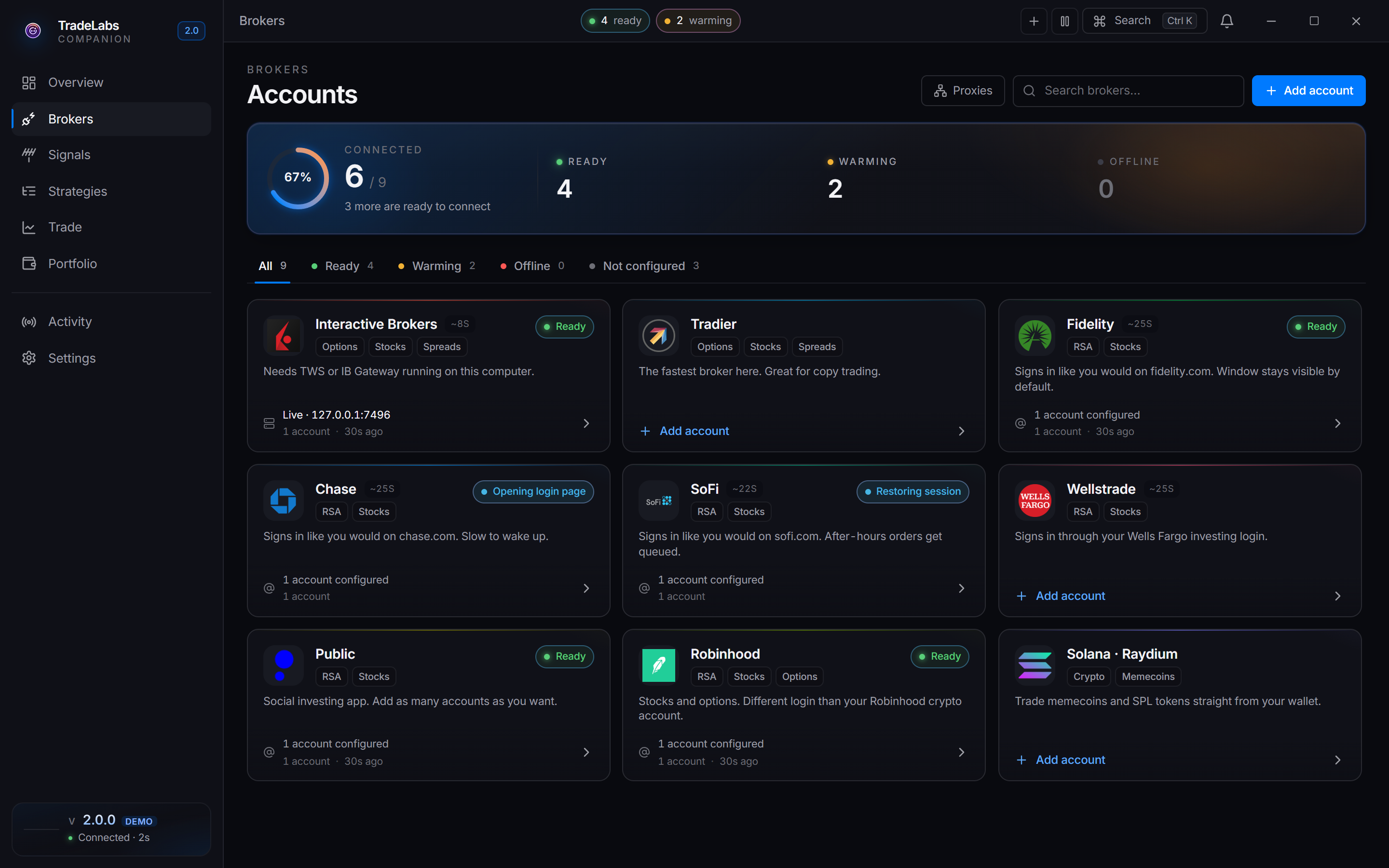
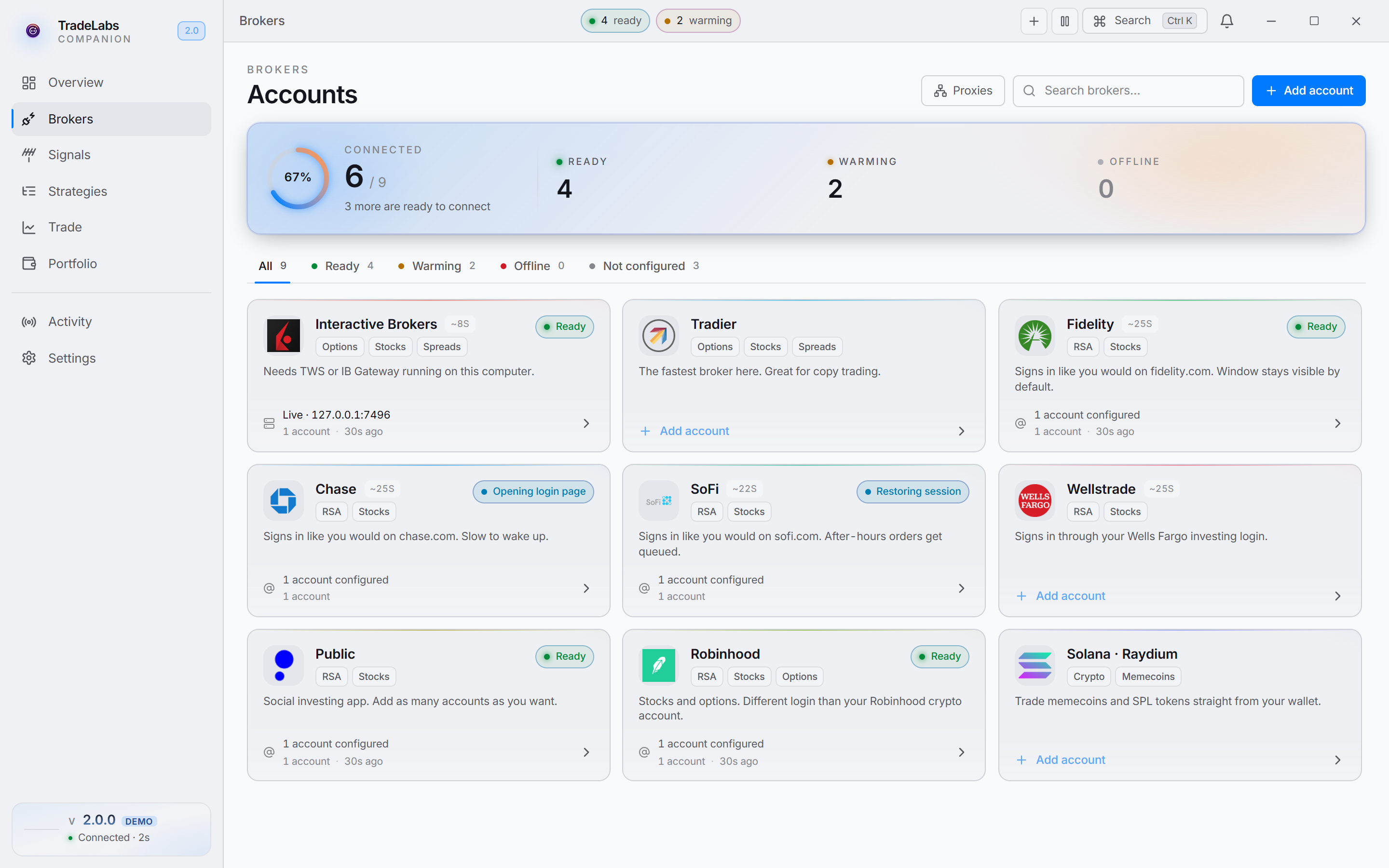 Click a broker card, then Add account, to open the connect form
- Click Sign in on the account row. DSPAC shows a captcha right on the row: read the image, type it into the Type what you see field, and click Submit.
- DSPAC then sends a verification code by email or SMS, depending on how you registered. The row shows an Enter verification code prompt: type the code and click Submit.
When sign-in succeeds you see a DSPAC signed in confirmation and the row switches to a signed-in state.
DSPAC locks accounts after a few failed sign-in attempts. Double-check your email or phone and password before you start.
Fixing common problems
- Sign-in fails: confirm your email or phone and password, and that the account is active and in good standing in the DSPAC app.
- No verification code: check spam or junk for email codes, and that your phone has signal for SMS codes.
- Account locked: contact DSPAC to reactivate it. They send back a reactivation link, and the whole process usually takes about a business day.
Using DSPAC with RSA
Once DSPAC is signed in, add it to an RSA strategy from the dashboard like any other RSA broker, and make sure the strategy is active. See RSA setup to get started, and the broker limits page for per-account caps. Trades only go through once your deposit has settled.