What You Can Trade
Crypto
Trade cryptocurrencies through Robinhood Crypto: the one broker that supports it, the fields a crypto strategy shows, and the risk tools available.
Crypto strategies buy and sell cryptocurrencies like Bitcoin, Ethereum, and Solana. A signal source drives the entries and exits, and TradeLabs places the matching order. Crypto markets run around the clock, so a crypto strategy keeps watching and trading outside normal market hours.
Which broker trades it
Crypto routes to Robinhood Crypto only. It is the single broker the app supports for this instrument, so once you set the instrument to Crypto the app assigns Robinhood Crypto for you.
| What trades crypto | Supported |
|---|---|
| Robinhood Crypto | Yes |
| Every other broker | No |
Robinhood Crypto uses its own API key and public key, separate from a Robinhood stock account. Connect it on the Brokers page before you build a crypto strategy. See the Robinhood Crypto broker page for the exact steps.
Set up a crypto strategy
Open a strategy from the Strategies page and set its instrument to Crypto on the General tab. That restricts the strategy to Robinhood Crypto and hides the controls that do not apply to crypto. For the full walkthrough of every tab, see the strategy editor guide.
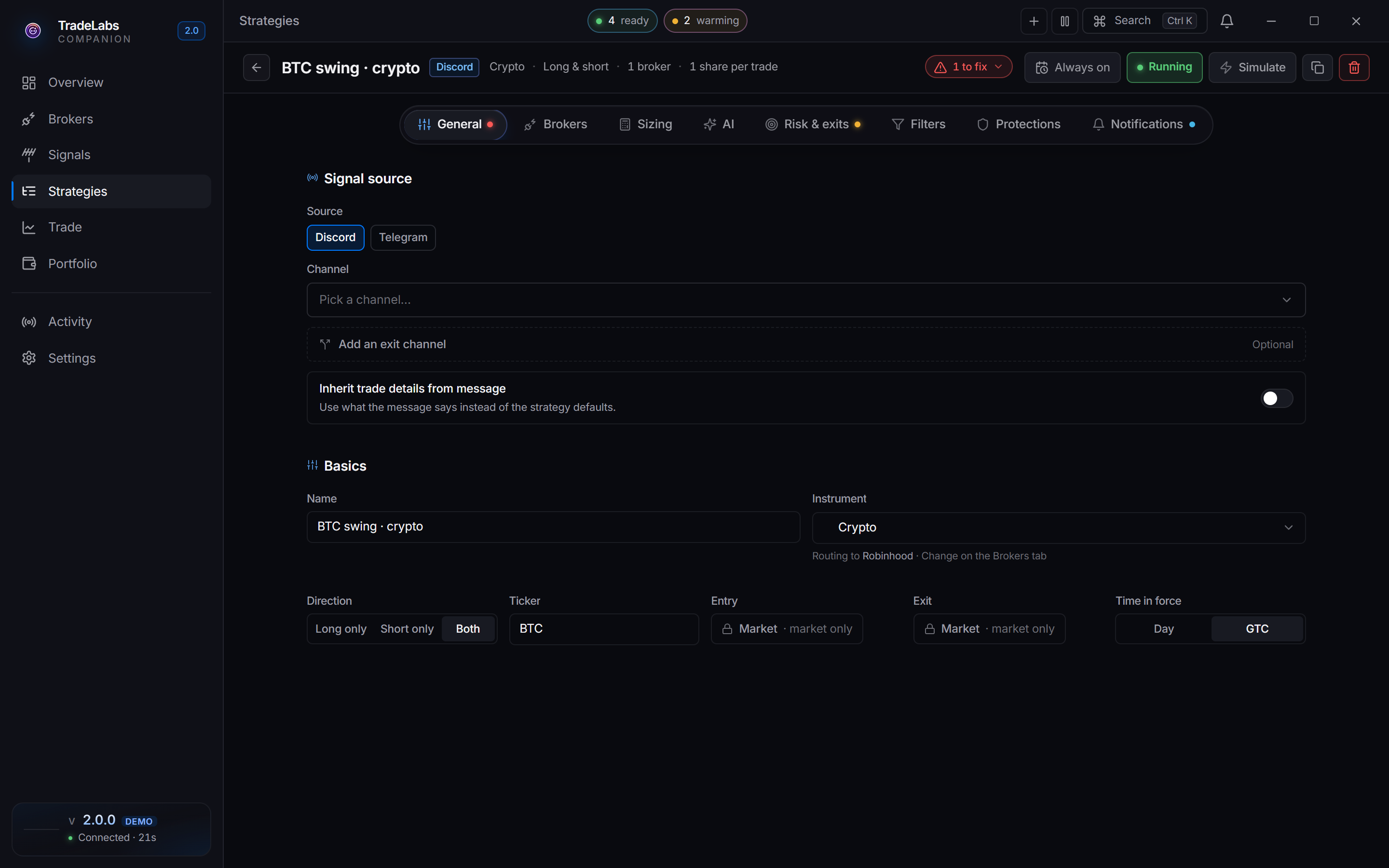
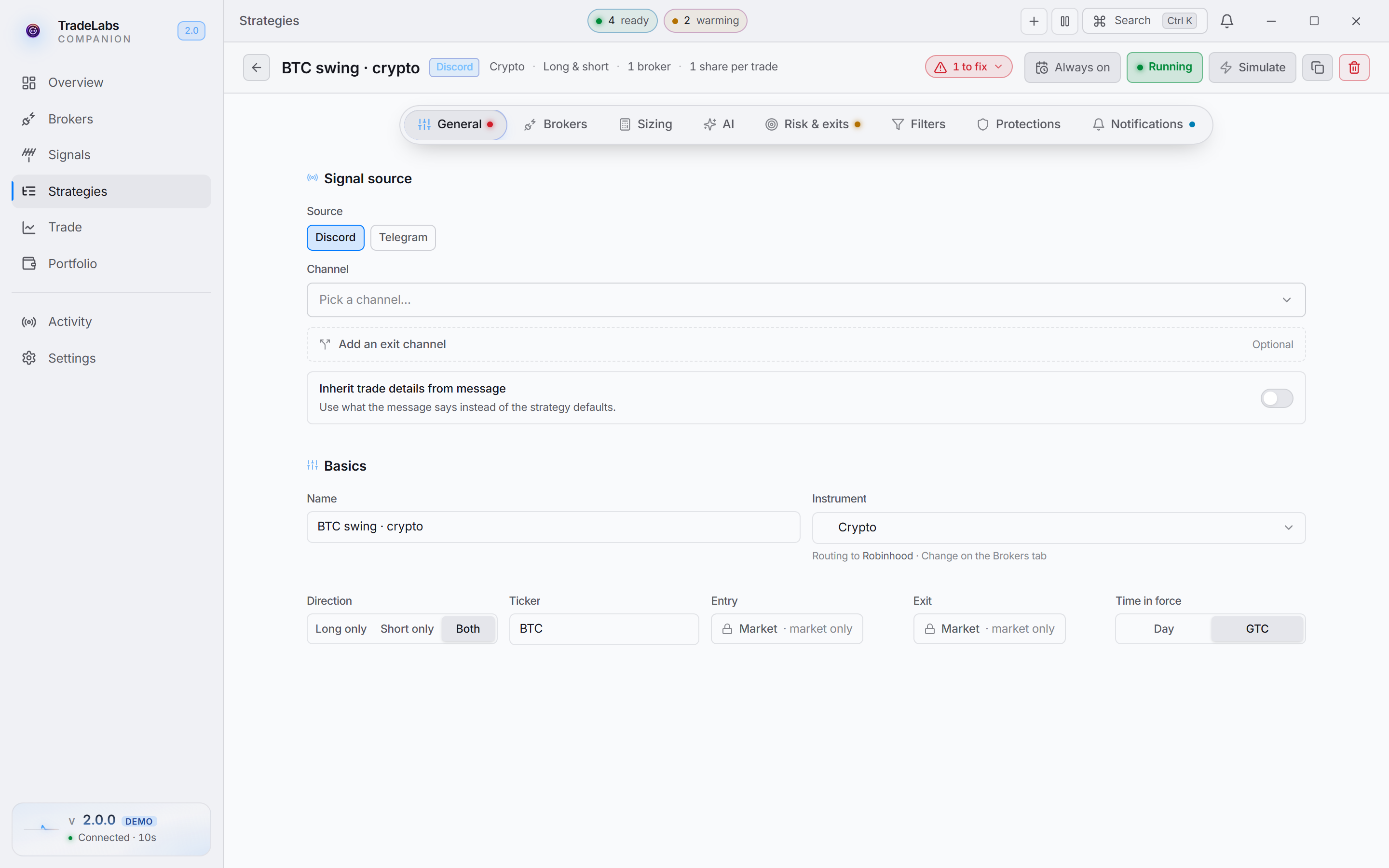 A crypto strategy in the editor. No strike or expiration — crypto trades the coin itself.
The fields a crypto strategy shows:
- Ticker free-text symbol. Type a coin like
BTCorETHto react only to that coin, orALLto react to any coin the signal mentions. - Direction picks which signals you act on: Long only (buys), Short only (sells), or Both.
- Default quantity on the Sizing tab, with a segmented control to size in Shares, Dollars, or Percent. Picking Percent adds a Percent sizing basis choice of Available Funds or Net Liquidation.
- Entry and Exit are Market only. Crypto has no limit-order path, so the control shows a locked Market tile rather than a Market/Limit choice.
- Time in force toggles Day or GTC for how long an unfilled order stays open.
Crypto runs on Discord or Telegram signals. TradingView alerts cannot carry a crypto signal, so that chip does not appear on a crypto strategy at all.
The AI, Filters, and Protections tabs work the same as any other Discord or Telegram strategy.
Risk and exits
On the Risk & exits tab a crypto strategy can set:
- Stop loss sells to limit a loss. Enter a dollar amount or a percentage. Leave it empty to skip.
- Take profit sells to lock in a gain. Enter a dollar amount or a percentage. Leave it empty to skip.
There is no trailing stop for crypto. Use stop loss and take profit to manage exits.
Crypto tends to move more than stocks, so give the stop room to breathe rather than setting it as tight as an equity trade.
Next steps
- Connect the account on the Robinhood Crypto broker page.
- Start from ready settings with the Crypto template.