Brokers
Fennel
Connect a Fennel account for RSA trading: passwordless email-code sign-in, how to connect it through the app, and how to fix common connection problems.
Fennel is a mobile broker that supports multiple accounts under one login, which makes it a good RSA fan-out target. In an RSA strategy, the same trade routes out to Fennel alongside your other small brokers.
| What it trades | Supported |
|---|---|
| RSA (reverse split arbitrage) | Yes |
| Stocks | Manual orders only, from the Trade page. An automated Stocks strategy routes to Tradier, IBKR, Robinhood, or STG / DAS instead. |
| Options, spreads, crypto | No |
Fennel is passwordless. There is no password to enter. Each session it emails a verification code to your registered address, and you enter that code to connect.
Before you start
- A Fennel account, created in the Fennel mobile app.
- Access to the email address on your Fennel account, so you can read the code it sends each session.
- Funds deposited and settled, so trades can go through.
- The TradeLabs Companion installed and running.
Connect it in the app
- Open the Brokers page, find the Fennel card, and click Add account.
- Optionally give the account a label, then enter the Email on your Fennel account. There is no password field. Click Save account to encrypt your details on your device.
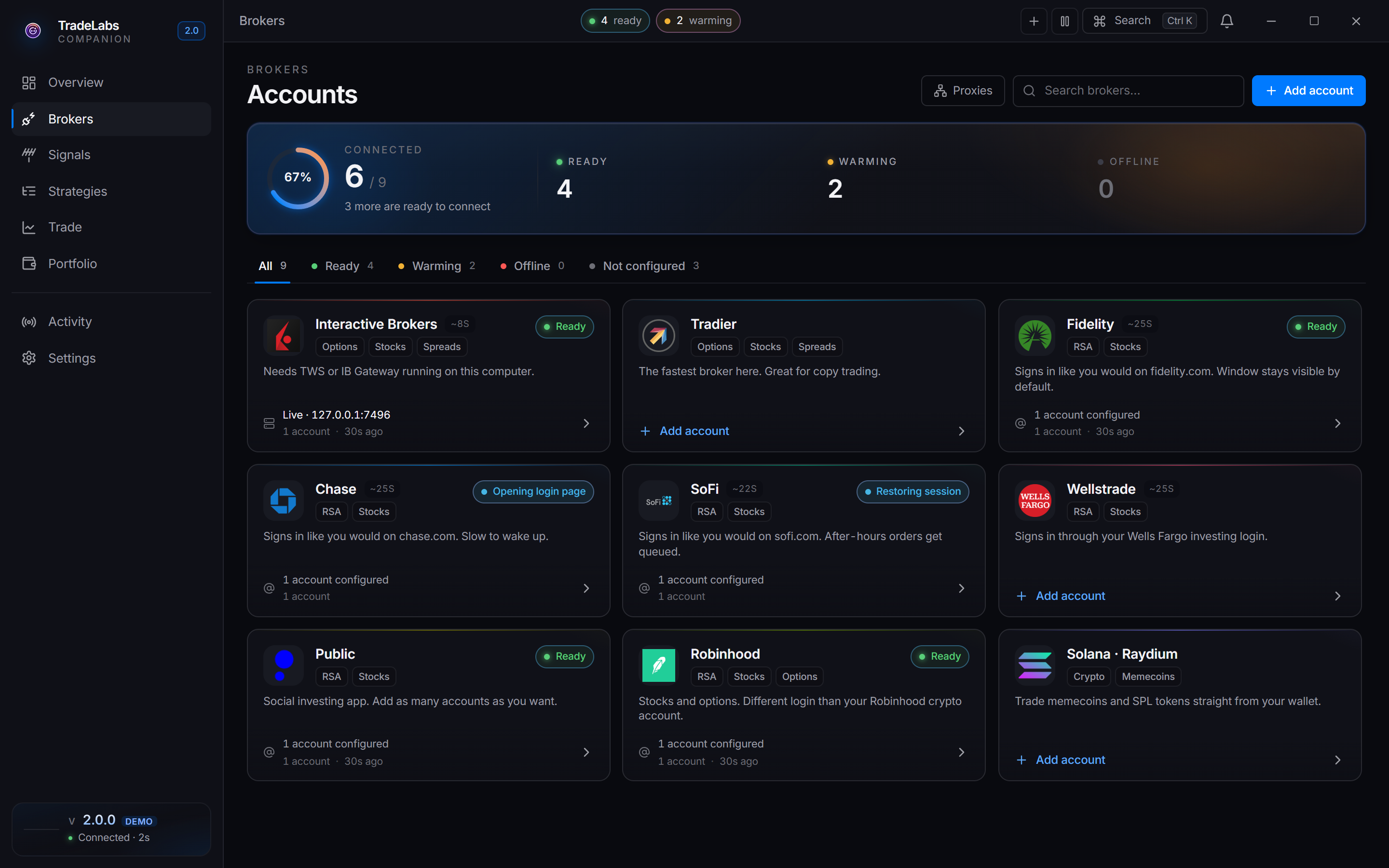
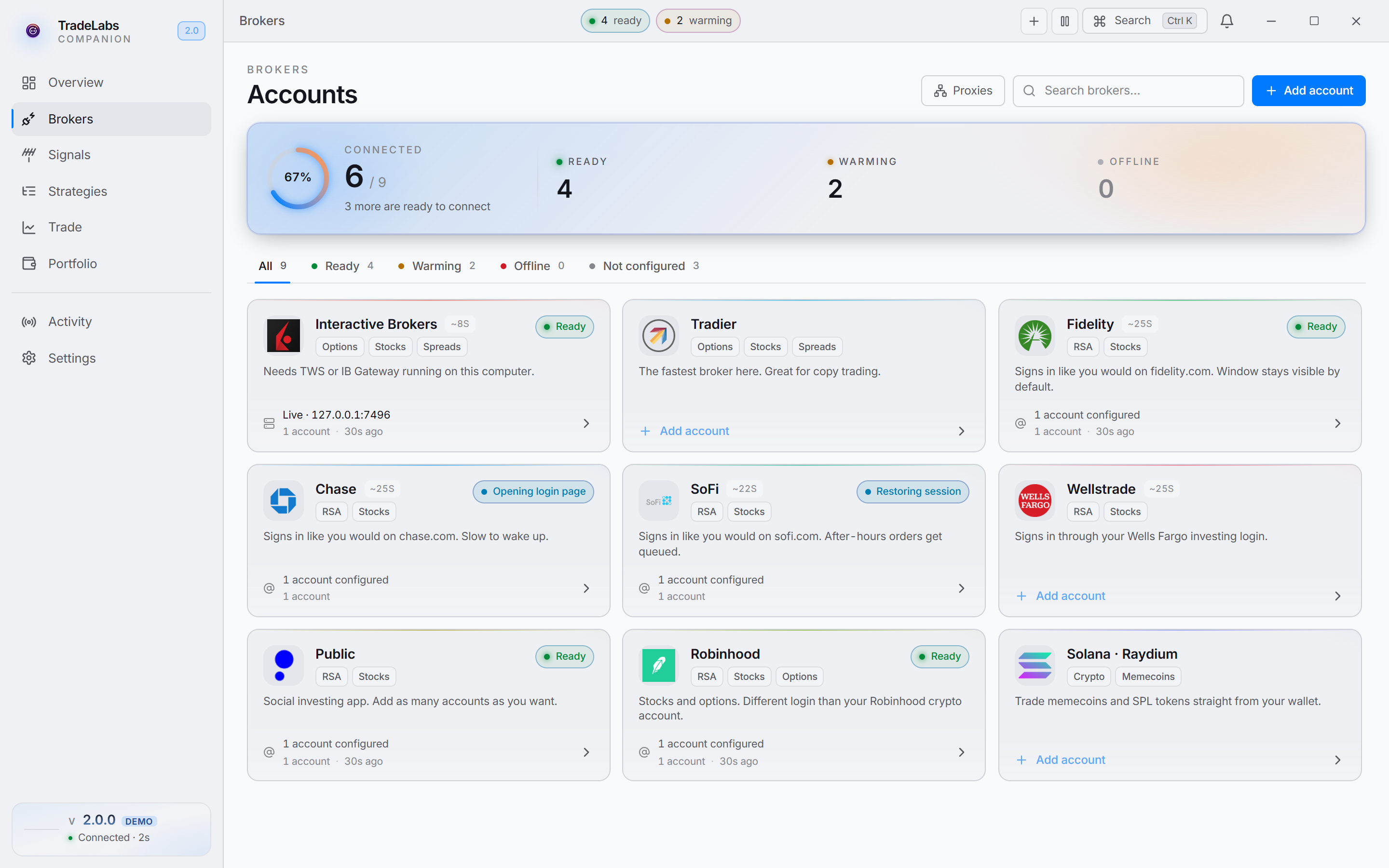 Click a broker card, then Add account, to open the connect form
- Click Sign in on the account row. Fennel emails a verification code to that address.
- The row shows an Enter verification code prompt. Type the emailed code and click Submit.
When sign-in succeeds you see a Fennel signed in confirmation and the row switches to a signed-in state.
Adding more accounts
First create the extra account inside Fennel itself:
- In the Fennel app, open Account Settings.
- Tap Add New Account and complete the steps.
- Repeat for each account you want, at most 2 new accounts per week. Fennel allows up to 10: 5 cash and 5 Roth IRA.
Then connect it in TradeLabs. Fennel supports multiple accounts. Open the Fennel card again, click Add account, enter the email for the next account, and complete the emailed-code step the same way.
Fixing common problems
- No code arrives: check spam or junk for the email from Fennel, and confirm the address on the account is one you can read.
- Code rejected: the code may have gone stale. Click Sign in again to request a fresh one, then enter the newest code.
- Sign-in keeps failing: confirm the account is in good standing in the Fennel app and that you are using the exact email it is registered under.
- Account shows Idle at night: that is normal. A signed-in Fennel account sits Idle between checks and is still ready to trade.
Using Fennel with RSA
Once Fennel is signed in, add it to an RSA strategy and make sure the strategy is active. See RSA setup for the full flow, and broker limits for per-broker account caps.