Brokers
Public
Connect a Public account for stock and RSA trading: what it supports, how to sign in through the app, and how to add more accounts.
Public is a commission-free investing app. TradeLabs connects to it for stock trades and as an RSA fan-out target, and it has the highest account ceiling of any RSA broker.
| What it trades | Supported |
|---|---|
| Stocks | Manual orders only, from the Trade page. An automated Stocks strategy routes to Tradier, IBKR, Robinhood, or STG / DAS instead. |
| RSA (reverse split arbitrage) | Yes |
| Options, spreads, crypto | No |
Your personal SSN covers 3 logins with 7 accounts each — 21 in total. Public also accepts LLC and corporate signups, and each LLC adds another 3 logins with 5 accounts each, so 15 more accounts per LLC. See the account limits page for the full breakdown.
Before you start
- A Public account, created on public.com or in the Public mobile app, with identity verification complete and funds deposited.
- Two-factor authentication enabled on the Public account.
- The TradeLabs Companion installed and running.
Connect it in the app
- Open the Brokers page, find the Public card, and click Add account.
- Fill in the connect form with your Email and Password, then click Save account. Your credentials are encrypted on your device.
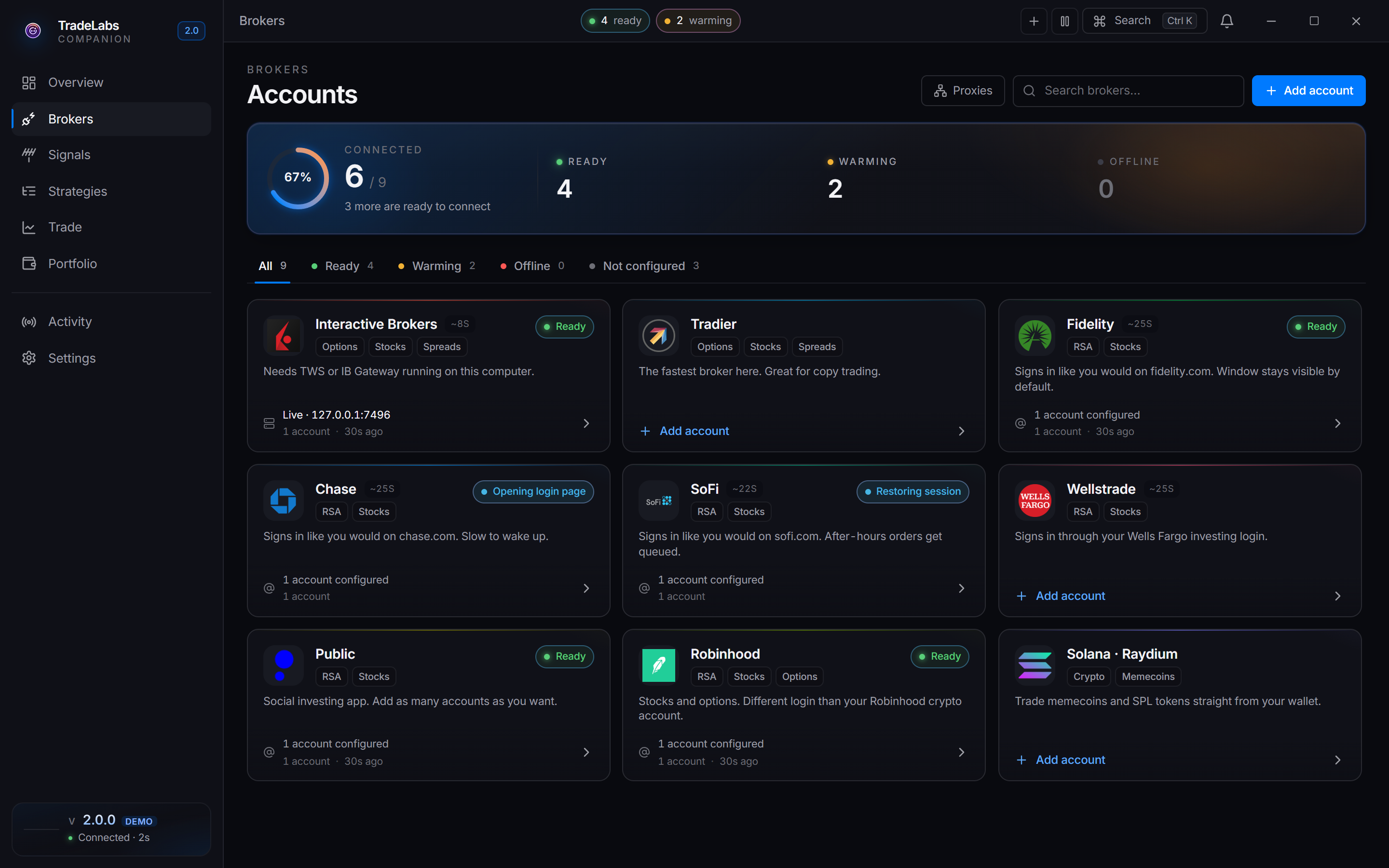
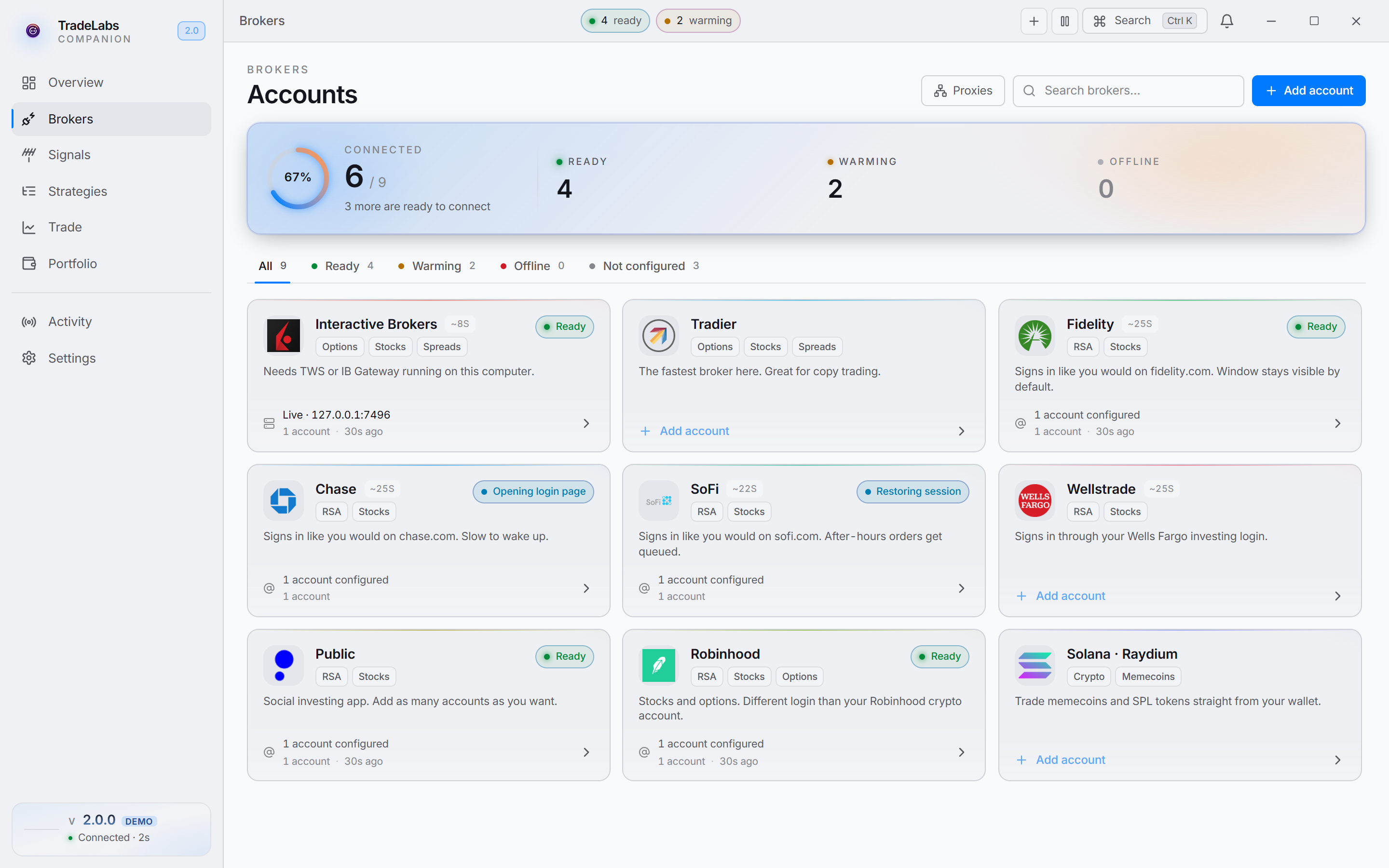 Click a broker card, then Add account, to open the connect form
- Click Sign in on the account row.
- Public sends a verification code by text or email. The row shows an Enter verification code prompt: type the code and click Submit.
When sign-in succeeds you see a Public signed in confirmation and the row switches to a signed-in state. The app verifies the connection itself, so there is no separate test step.
Adding more accounts
Open the Public card, click Add another, enter the credentials for the next login, and complete the verification code the same way. Each login you add fans out across all of its sub-accounts.
Your personal 21 come from 3 logins, each with its own email address. Past that, register an LLC with Public and repeat the pattern under it: 3 fresh email logins, up to 5 accounts each.
The LLC ceiling is untested. We have not found a cap on how many LLCs you can register with Public, but we also have not pushed it to see where one is. Add LLCs gradually rather than registering a stack of them at once.
Fixing common problems
- Sign-in fails: confirm your email and password, and that the account is in good standing in the Public app.
- No verification code: check spam or junk for email codes, and that your phone has signal for text codes.
- 2FA not prompting: make sure two-factor authentication is enabled on the Public account before you sign in.
- Shows Idle overnight: that is normal. Idle means the session is still valid but has not been checked recently, not that the account is broken.
Using Public with RSA
Once Public is signed in, add it to an RSA strategy from the dashboard like any other RSA broker, and make sure the strategy is active. Because each login carries up to 7 sub-accounts, a single Public login fans the trade out across all of them. See RSA setup for the full walkthrough.