Strategy Templates
Robinhood Chain Memecoins Template
Ready settings for a Robinhood Chain memecoin strategy: ETH size per wallet, wallets, paired coins, how the exits work together, and how to start the strategy and watch it.
Who it is for
This template is for traders who copy memecoin calls on Robinhood Chain from a Discord or Telegram room. The call names a coin address, and each wallet you pick buys the coin with ETH. Connect and fund a wallet first on the Robinhood Chain broker page. For coins on Solana, use the Solana Memecoins template.
The app trades only while it runs on your computer. That includes the automatic exits.
Settings
Start from Start from scratch, then set these values. The Strategy Editor explains each setting. The settings that both chains share are on the Memecoins page.
| Tab | Setting | Value | Why |
|---|---|---|---|
| General | Source | Discord or Telegram | Memecoin strategies take these two sources. |
| General | Instrument | Memecoins | This locks Direction, Ticker and Entry. |
| General | Inherit trade details from message | On | The strategy reads the coin address from each call. |
| Brokers | Broker | Robinhood Chain | The size is then in ETH. |
| Brokers | Wallets | All wallets | Every wallet trades, including wallets you add later. |
| Sizing | Buy size | 0.01 ETH | Each picked wallet spends this on each buy. |
| Sizing | Slippage tolerance | 5% | Used for buys and manual sells. Automatic exits accept up to 15%. |
| Sizing | Max launch tax | 1% | New coins charge a high tax for their first seconds. The buy waits up to 6 seconds for the tax to fall to this. Set 99 to buy right away. |
| Sizing | Also buy coins paired with USDG or stock tokens | Off | A paired buy needs a swap first, so it takes 3 transactions. |
| Sizing | Max extra cost | 3% | Shows when paired coins are on. A buy that costs more is refused. |
| Sizing | Use USDG or stock tokens already in the wallet | On | Shows when paired coins are on. The wallet spends the pair token it holds first. |
| Coin filters | Market cap | Empty | Set a minimum to skip tiny coins, or a maximum to skip coins that already ran. Price times total supply, in dollars. |
| Coin filters | Holders | Empty | A minimum skips coins almost nobody holds yet. The number the block explorer shows. |
| Coin filters | Age | Empty | A maximum in minutes keeps the strategy on fresh launches. |
| Coin filters | Creator tax | Empty | A maximum skips coins whose creator takes a large cut of every trade. |
| Coin filters | Creator holds | Empty | A maximum skips coins whose creator holds a large share of the supply. |
| Coin filters | Top 10 wallets hold | Empty | A maximum skips coins a few wallets control, not counting contracts such as the launch curve or the pool. |
| Exits | Stop loss | 40% | The position sells when the coin falls 40% below your entry. |
| Exits | Trailing stop | On, 25% | The position sells when the coin drops 25% from its peak. |
| Exits | Start trailing at | 20% | Trailing starts when the trade is up 20%. |
| Exits | Move stop to entry | On, 50% | At a 50% gain, the stop moves up to your entry price. |
| Exits | Sell | At one target | One target closes the position. |
| Exits | Take profit at | Empty | The trailing stop closes the position instead. |
| Exits | Secure initial investment | On, 100% | At 2x the strategy sells enough to take your cost back. |
| AI | AI selling | On | With it off, sell calls in the channel are ignored. |
| AI | Trim selling | On | A trim call sells part of the position. |
| AI | Memory | Normal | The AI remembers the coin the caller bought. |
| Protections | Duplicate protection | On | A repeat buy of the same coin in the same wallet is blocked for 2 minutes. |
| Protections | Double-down protection | On | A wallet does not buy a coin it already holds. |
| Notifications | Send to Discord | On | Buys, exits and skipped trades show in your Discord channel. |
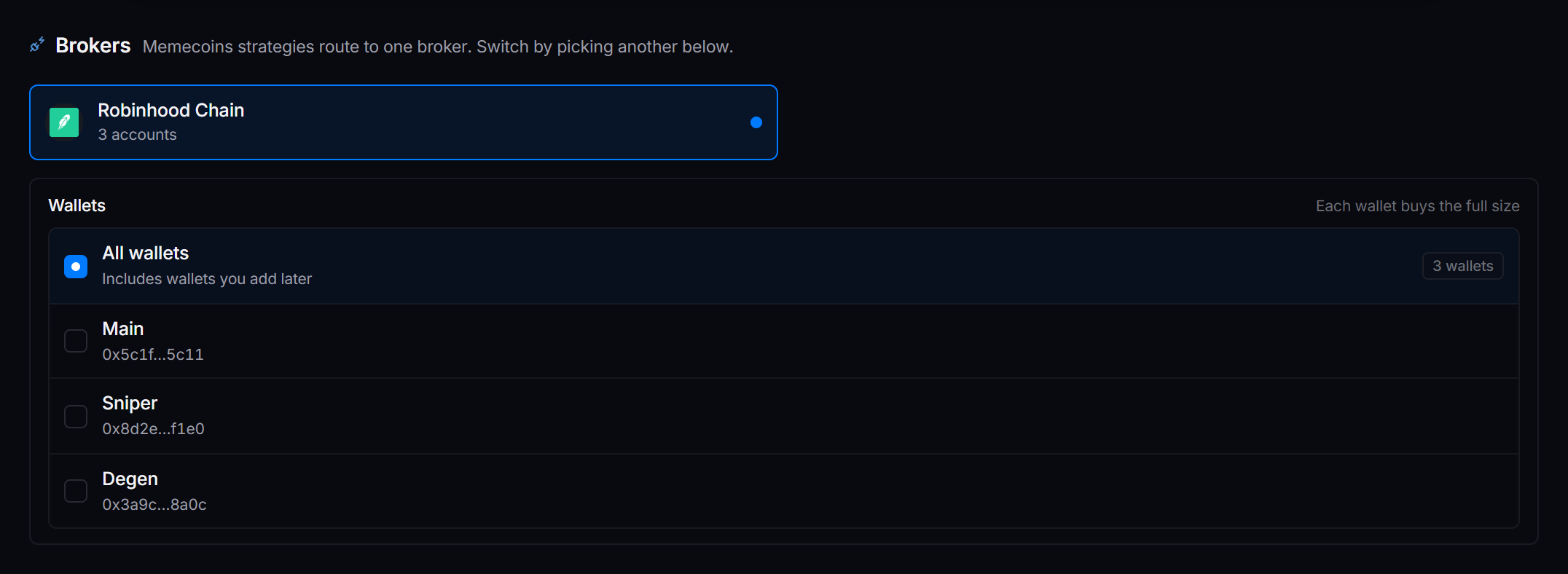
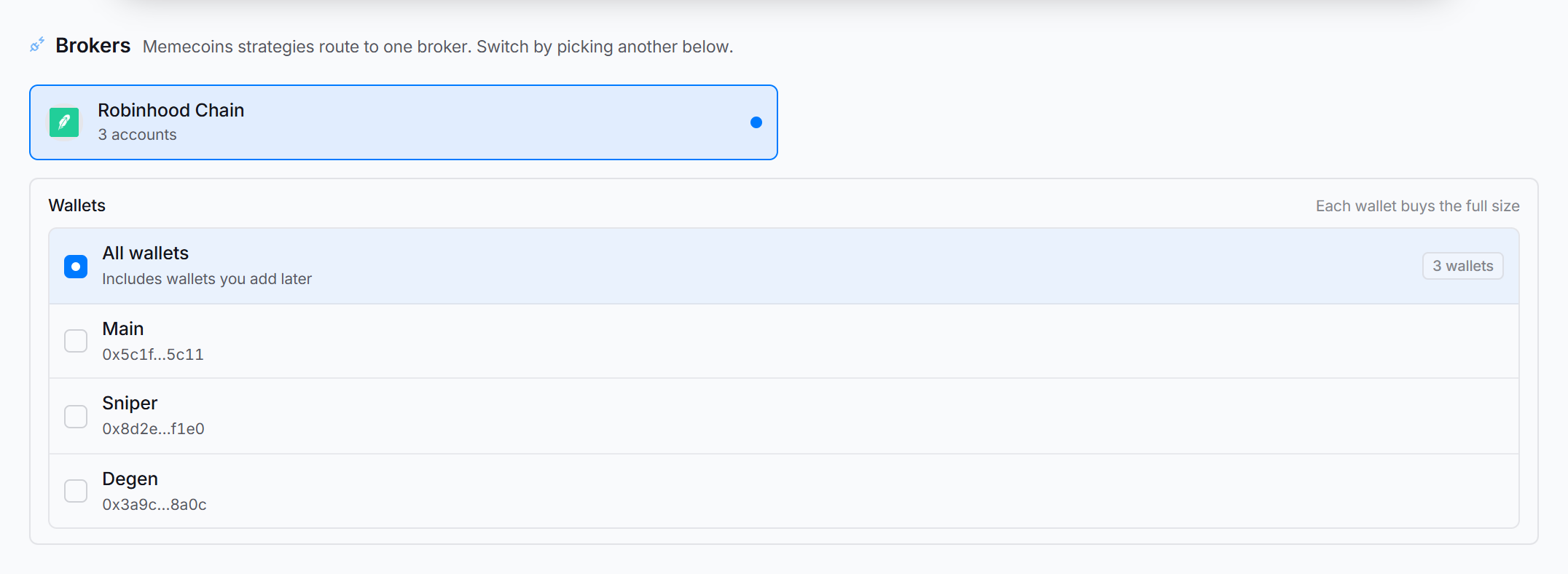 Each picked wallet buys the full size. Three wallets at 0.01 ETH spend 0.03 ETH on each call.
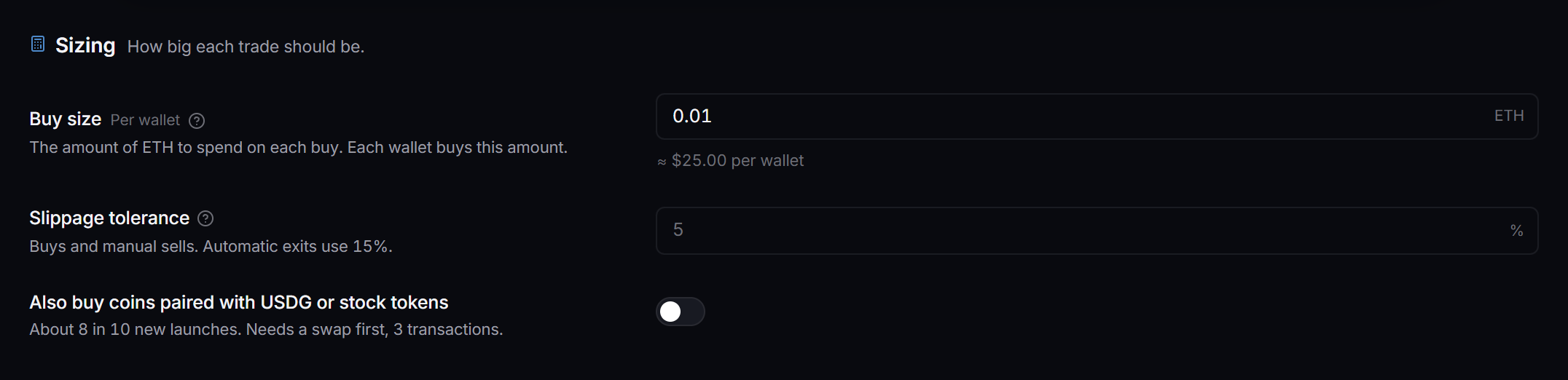
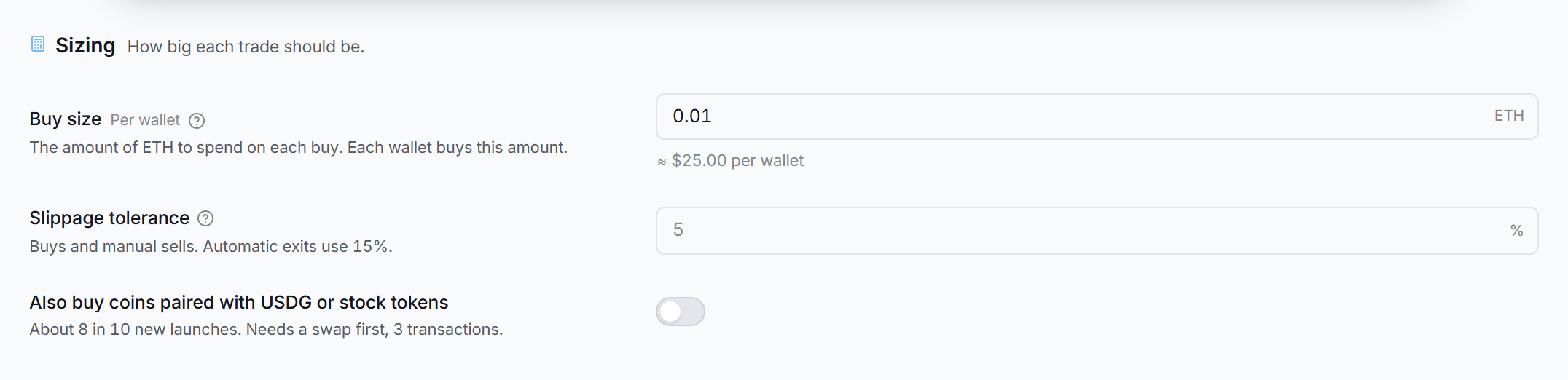 Buy size in ETH per wallet, slippage, and paired coins.
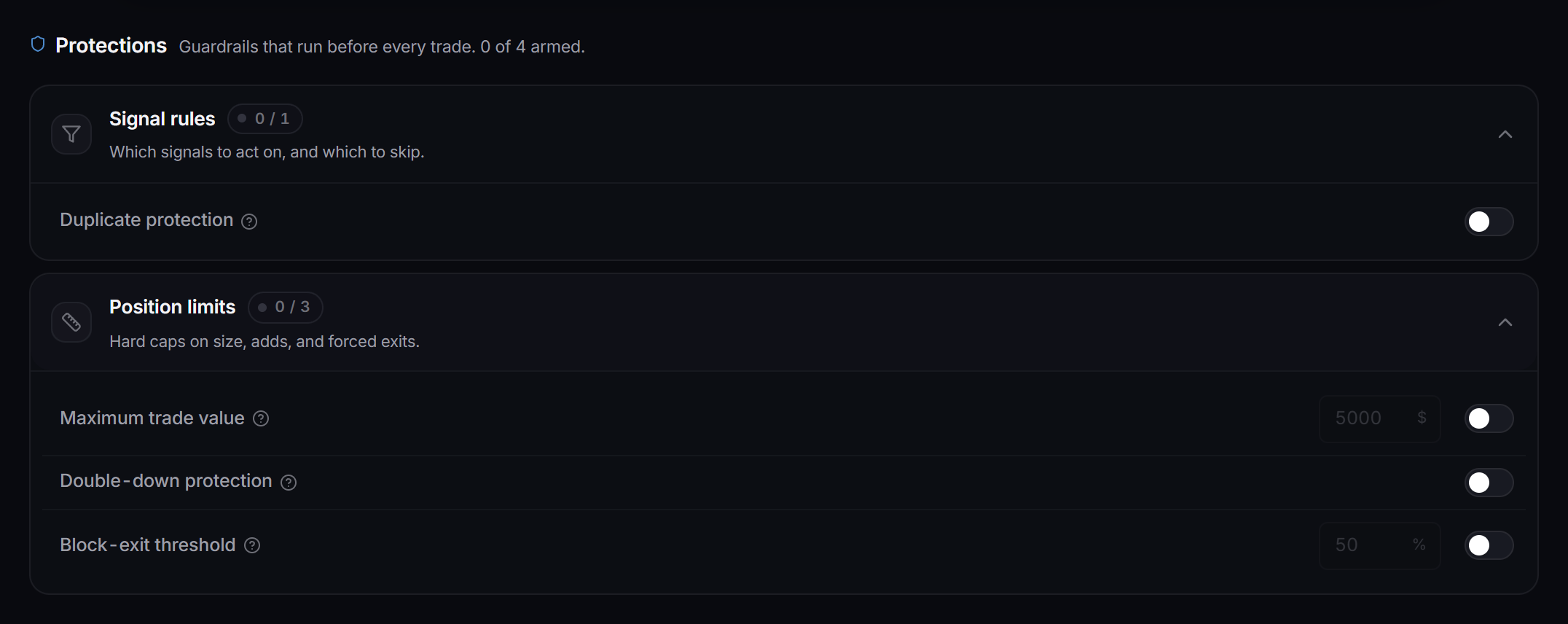
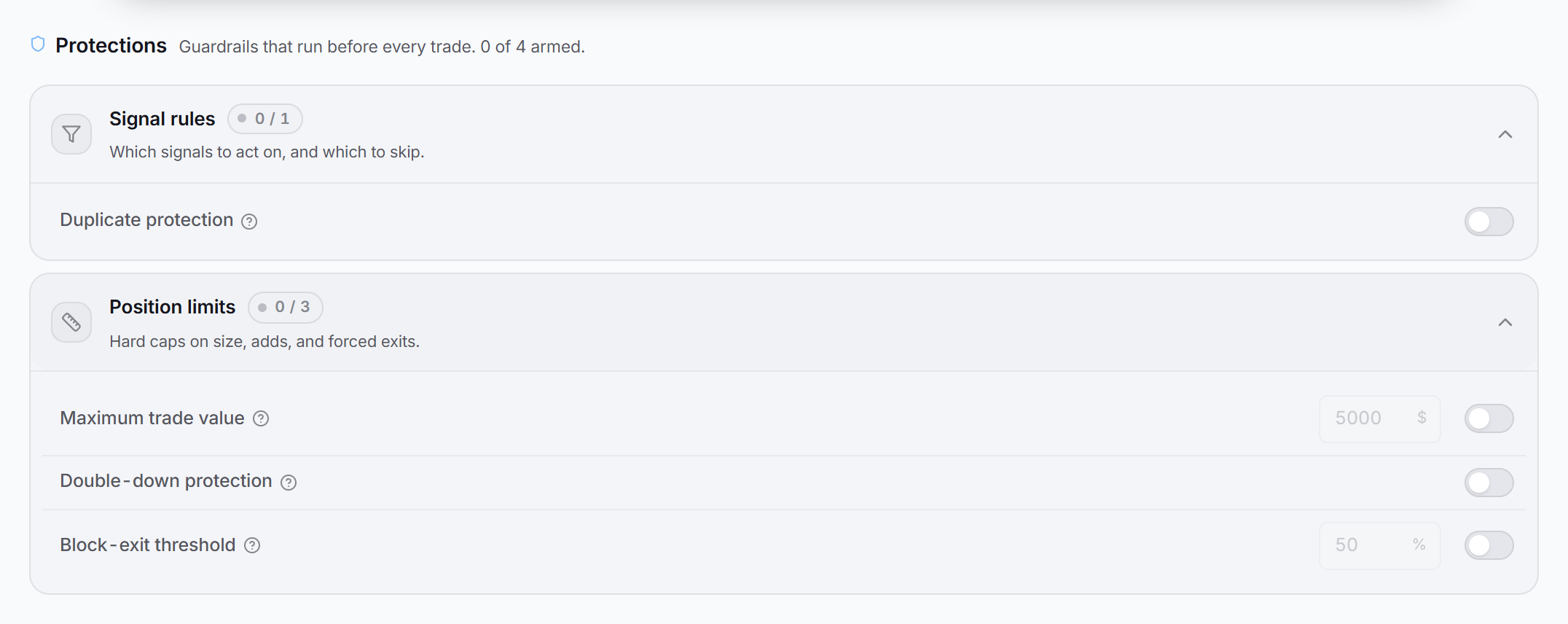 Open Signal rules and Position limits to see the rows. The broker checks both protections for each wallet.
Maximum trade value and Block-exit threshold also show on the Protections tab. They do not apply to Robinhood Chain. Use the buy size and the exits.
Robinhood Chain compared with Solana
| Robinhood Chain | Solana | |
|---|---|---|
| Size | ETH per wallet | SOL |
| Size in dollars or percent | Refused | Not offered |
| Paired coins | Yes | Not shown |
| Move stop to entry | Yes | Not shown |
| Start trailing at empty | Trailing starts at once | The buy is refused when the trailing stop is on |
| Priority fee and routing method | Not shown | Yes |
| Who watches the exits | The Robinhood Chain broker in the app | The Solana broker in the app |
Things the editor does for you:
- Buy size. A size in dollars or percent is refused, and the trade is skipped. The editor shows about how much the ETH amount is in dollars.
- Changing the chain. When you move the strategy to Solana or back, the editor clears the size.
- Wallets. When a wallet the strategy uses is removed, the editor warns you. Fix the wallet list on the Brokers tab.
How the exits work together
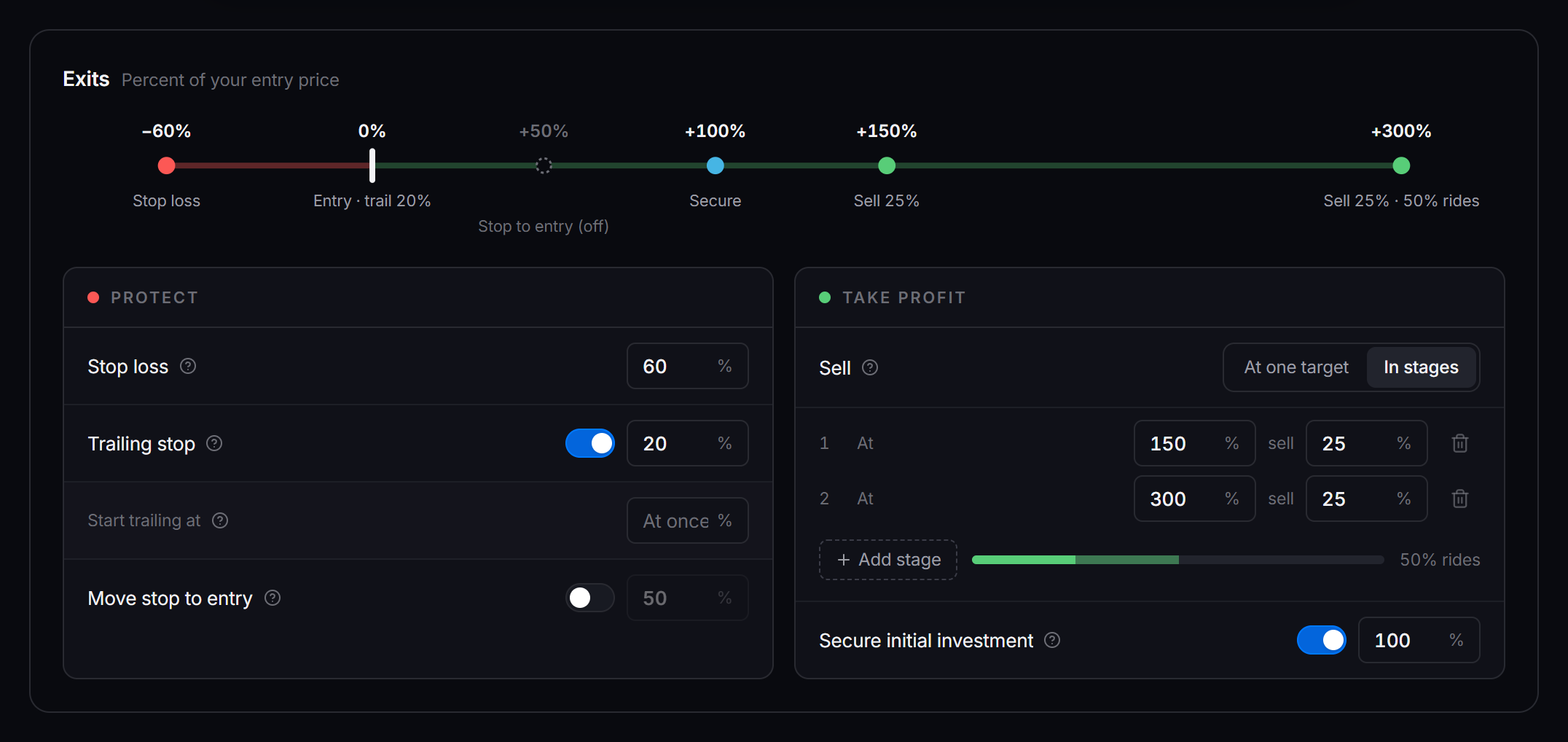
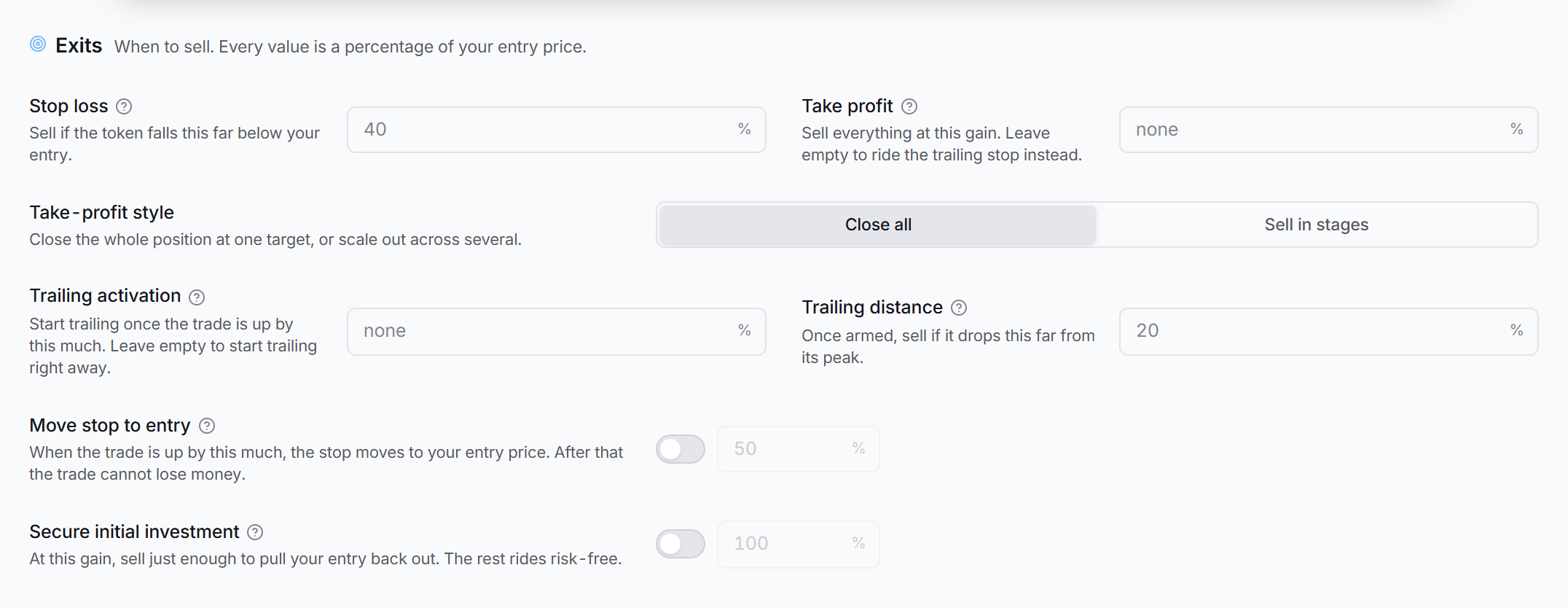 Every value is a percentage of your entry price.
- The gain is net. It compares what selling the coins returns now with what they cost, so fees count.
- The broker checks every open position in every wallet every 3 seconds. It checks every second when a position is within 5 points of an exit.
- On each check, the first exit that fires wins, in this order: secure initial investment, trailing stop, stop loss, take profit, then the stages.
- The stop only rises. A trailing stop never lowers a stop loss that sits higher. After Move stop to entry arms, the stop never goes below your entry.
- Secure initial investment sells what the position still owes of its cost. Money that earlier sells returned counts toward it.
- Sell in stages replaces the single take profit. Add as many stages as you want. Each stage sells its share of the position when the gain reaches its level.
- Each stage sells only its own share, the last stage too. Stages of 45% and 30% leave 25%, and the trailing stop or the stop loss sells it. To sell everything with the stages, make the shares add up to 100%.
- Secure initial investment works together with the stages. After securing, each stage sells its share of the coins left after securing, not of the original position.
- A stage that would leave less than 0.5% of the position sells everything.
- If the price jumps past several stages at once, they sell one after another, one stage per check.
- Stop loss, take profit and the trailing stop sell everything that is left.
- If a sell fails, the broker tries again after 2 seconds, 5 seconds, 10 seconds, then every 30 seconds. The exit stays armed.
Notifications
With Send to Discord on, leave Custom webhook URL empty to use the global webhook from Settings → Notifications. To make a webhook, see Create a Discord Webhook.
The alerts cover a buy, several wallets buying at once, initial investment secured, a take-profit stage, a closed position, a skipped trade with the reason, a failed trade, and a trade that is not confirmed yet. Manual trades, Swap tab swaps and ETH moves have no strategy, so they go to the global webhook.
Test it
Buy and sell the smallest amount by hand. Follow Test with a tiny trade on the Manual Trade page. Save the strategy, but leave it switched off until that test works.
Start the strategy and watch it
-
On the Strategies page, turn the strategy on.
-
Keep the app running. Buys and exits happen only while it runs.
-
Open Activity to see each call. A skipped trade shows the reason, for example a duplicate buy.
-
Open Positions from the left rail and click the Memecoins tab.
-
Check your Discord channel for alerts.
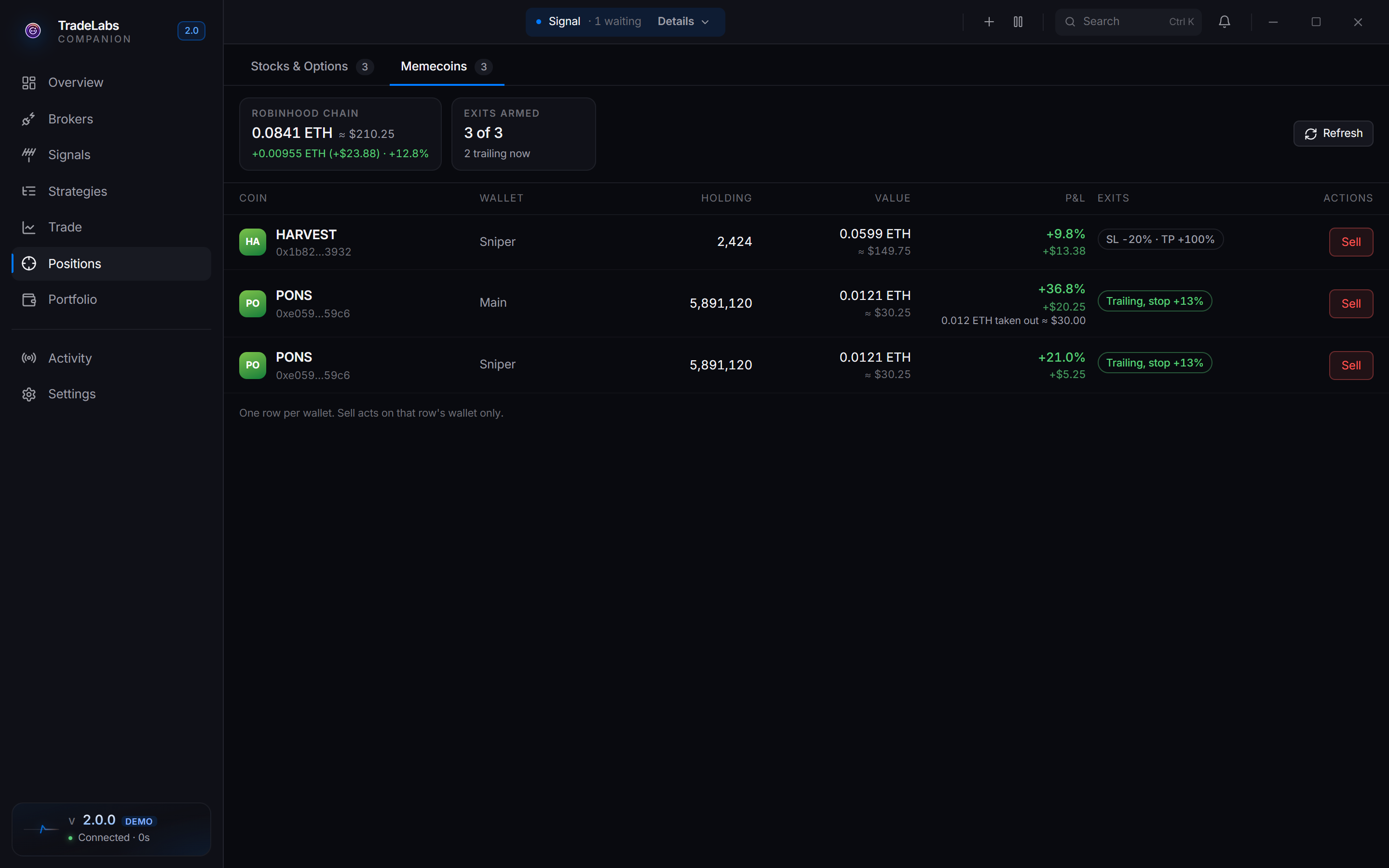
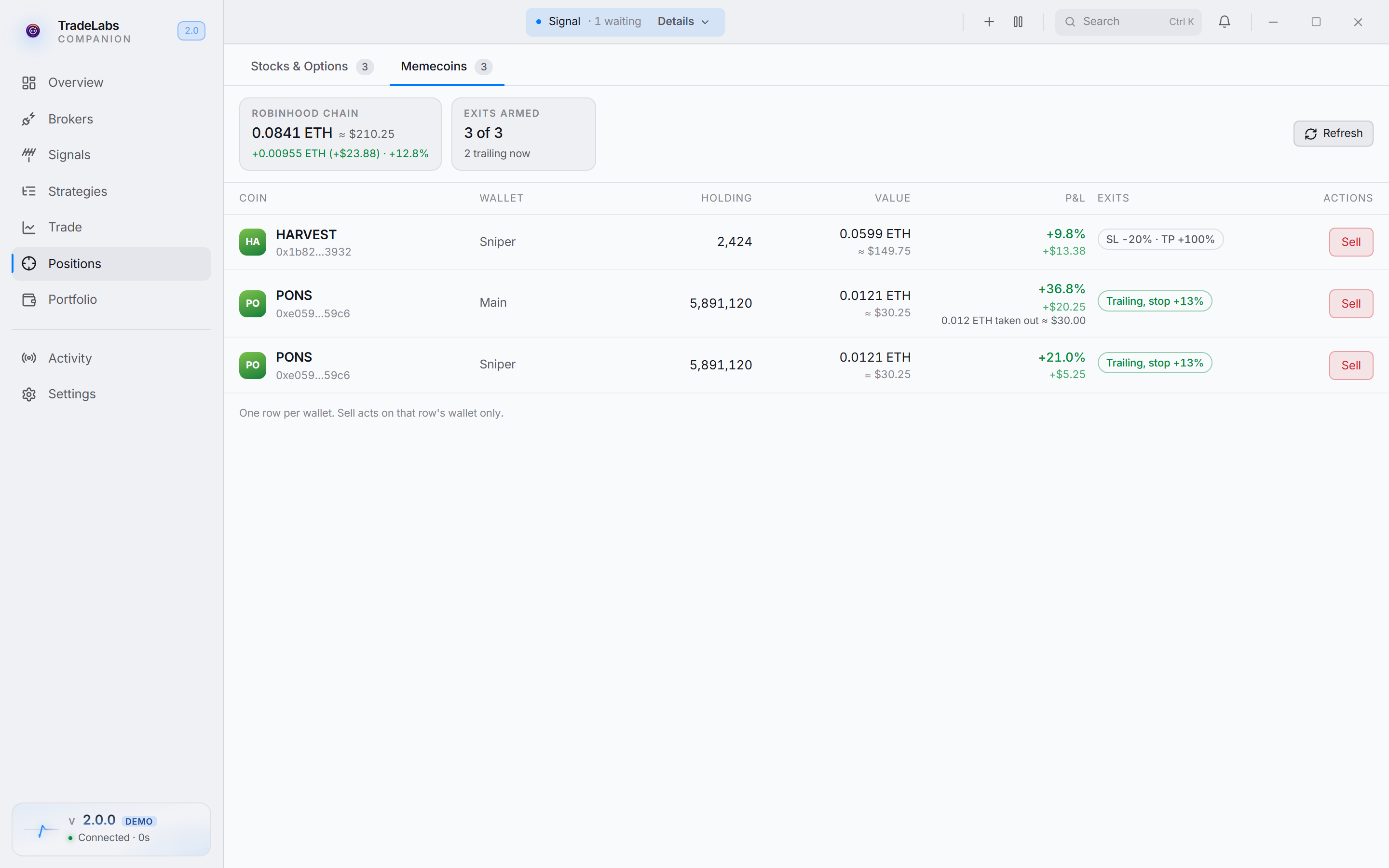 One row for each coin in each wallet, with value, P&L, exits, and Sell.
On the Memecoins tab:
- Each row is one coin in one wallet.
- P&L counts what earlier sells took out. The ETH taken out shows under the P&L.
- Exits shows the stop loss and take profit, or the trailing stop level once the trail is armed.
- Sell sells from the wallet of that row only.
Closed trades go to your TradeLabs account with dollar values, from the ETH price at each buy and each sell. On the web dashboard, Trade History and Strategy Performance show the P&L in dollars, with the ETH amount under it.
Related pages
- Instrument: Memecoins
- Broker: Robinhood Chain, with fees, limits, RPC usage and common problems
- Risk tools: Auto Parameters, Protections & Guardrails